1
Hybrid nDVR User Manual
4.5.
Page 27
Adding User Group
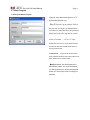
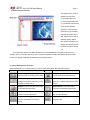
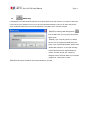
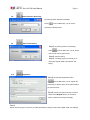
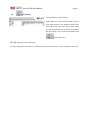
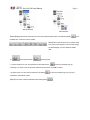
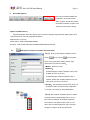
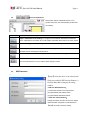
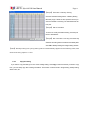
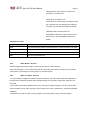
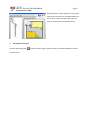
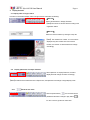
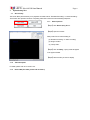
【Step1】Select the User icon in the System Setup
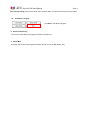
area, then click User Group Setting button
(
) in the Menu Bar to modify the user
group’ s data.
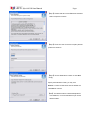
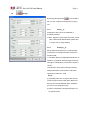
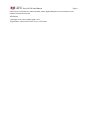
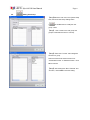
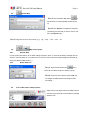
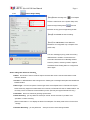
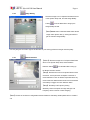
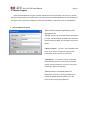
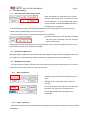
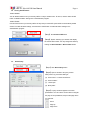
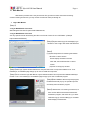
【Step2】 Give a name to the new group and
group the selected users here in one step.
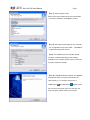
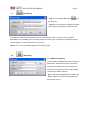
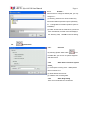
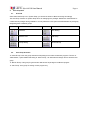
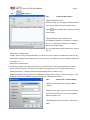
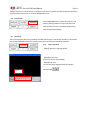
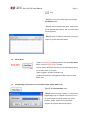
【Step3】Select the “Function” tab to designate
function to a group.
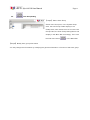
Select the function list and move them from
“Unselected function” to “Selected function”. Click
OK to continue.
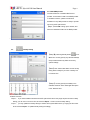
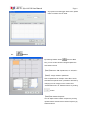
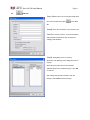
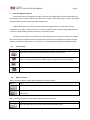
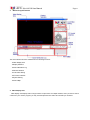
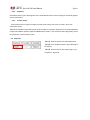
【Step4】After setting both Tab of “General” and
“Function”, click Create to save the setting.