1
Constructing the Workcell
Installing Workcell Objects
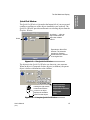
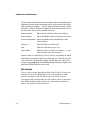
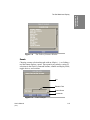
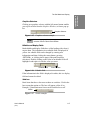
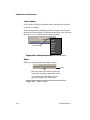
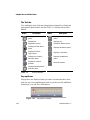
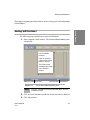
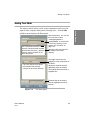
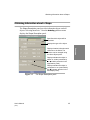
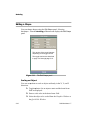
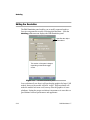
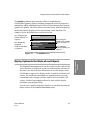
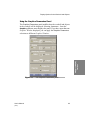
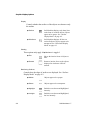
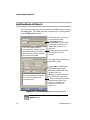
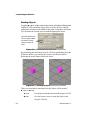
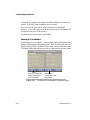
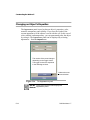
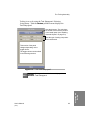
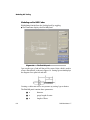
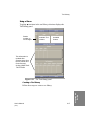
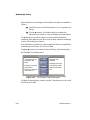
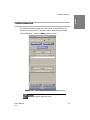
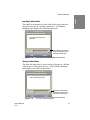
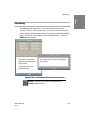
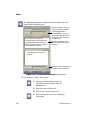
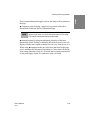
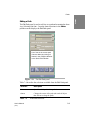
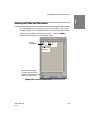
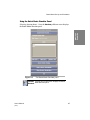
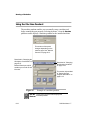
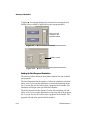
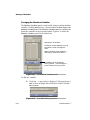
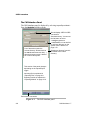
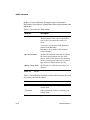
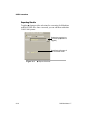
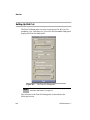
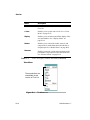
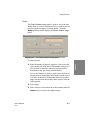
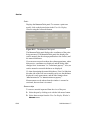
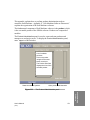
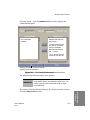
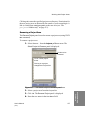
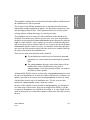
The first step in laying out your workcell is to install the objects by using
the Install panel. The Install panel can be displayed by selecting Install…
from the File pulldown menu.
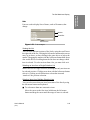
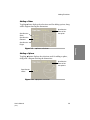
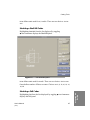
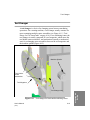
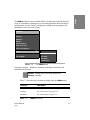
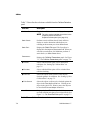
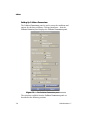
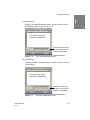
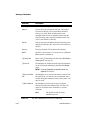
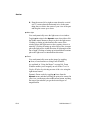
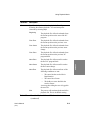
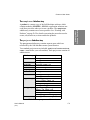
List of directories under the
current directory. Directories that
are not libraries have two dots (..)
after the directory name. Libraries
do not have this symbol.
Sets the directory. You can use
the list button to select
~cim/projects or
~cim/users, or use the field
to enter any directory on the
system. See “Libraries” on
page 1-23.
Selecting a directory from this
list makes it the current
directory.
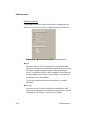
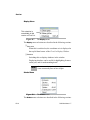
This toggle choice sets what you
would like to install.
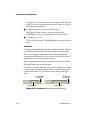
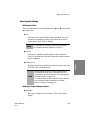
Toggling ◆ Workcell displays
the Replace/Merge toggle.
◆ Replace replaces the entire
contents of the cell.
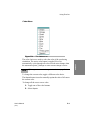
List of the objects that comprise
the selected category in the
current directory.
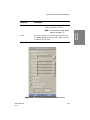
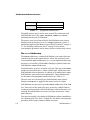
Figure 5-1
◆ Merge merges the selected
workcell with the current one.
The list is compiled from the file
extensions of the files. See
Table 1-2, “Libraries and
filename extensions” on
page 1-24.
The Install panel
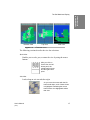
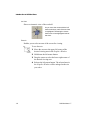
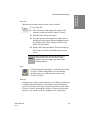
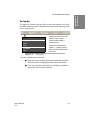
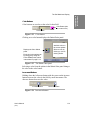
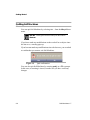
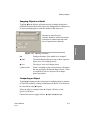
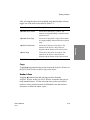
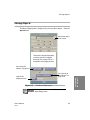
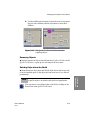
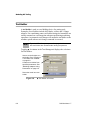
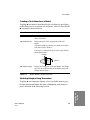
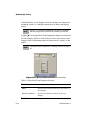
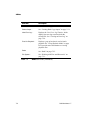
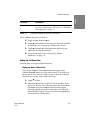
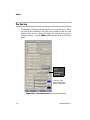
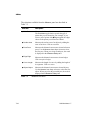
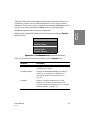
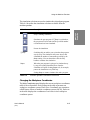
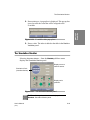
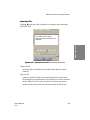
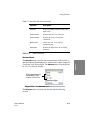
Tool Bar Clicking this tool bar button displays the Install
Shortcut panel.
5-2
Soft Machines 1.7