1
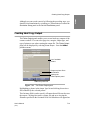
Changing the Default Settings
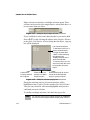
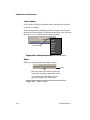
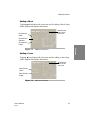
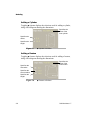
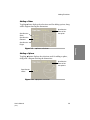
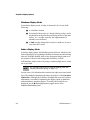
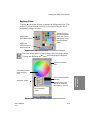
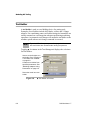
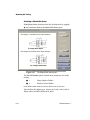
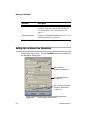
Setting Default Colors
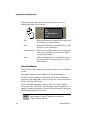
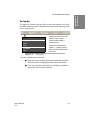
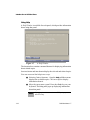
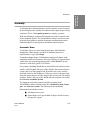
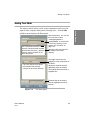
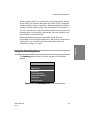
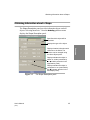
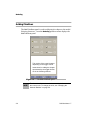
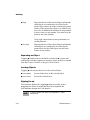
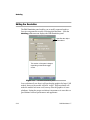
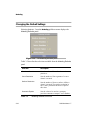
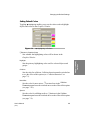
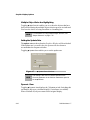
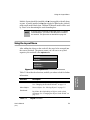
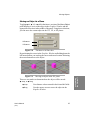
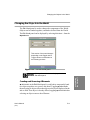
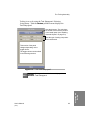
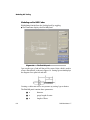
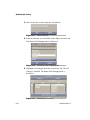
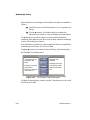
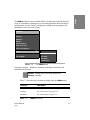
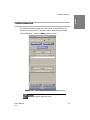
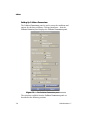
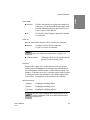
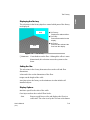
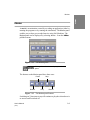
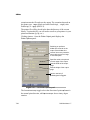
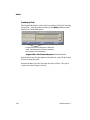
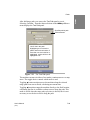
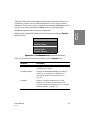
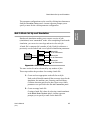
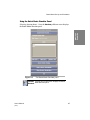
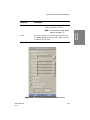
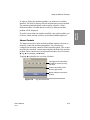
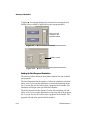
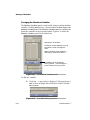
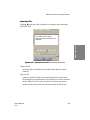
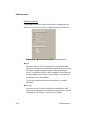
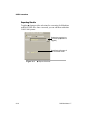
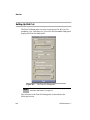
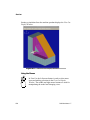
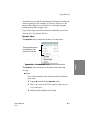
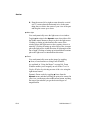
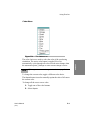
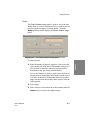
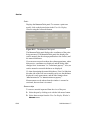
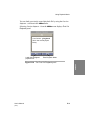
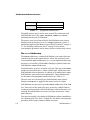
Toggling ◆ Highlighting enables you to set the colors used to highlight
objects and events in the Graphics Window.
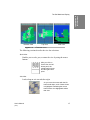
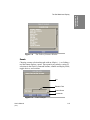
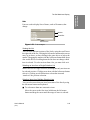
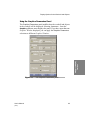
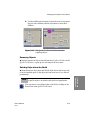
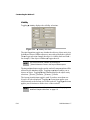
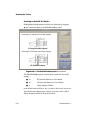
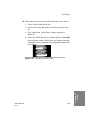
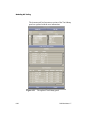
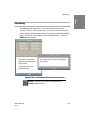
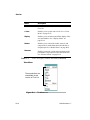
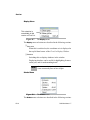
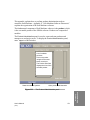
Figure 4-6
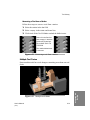
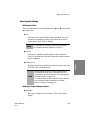
◆ Highlighting selections
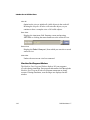
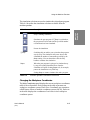
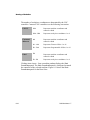
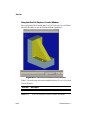
❏ Shown in Graphics Views
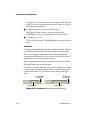
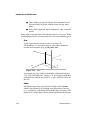
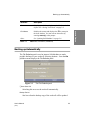
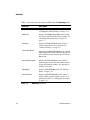
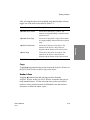
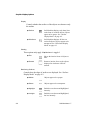
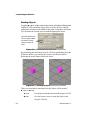
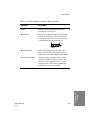
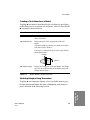
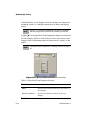
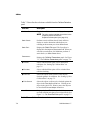
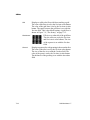
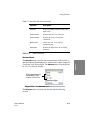
Highlight
Sets the primary highlighting color used for selected objects and
groups.
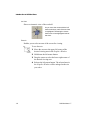
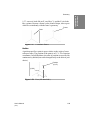
Collision
Sets the color for collisions. Collision detection must be switched on
to see the effect of this option (see “Collision Detection” on
page 7-3).
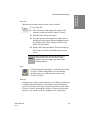
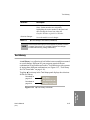
Near Miss
Sets the color for near misses. ❏ Use Near Zone in the Collision
Parameters panel must be switched on to see the effect of this option
(see page 7-10).
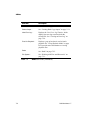
Special
Sets the color for colliding surfaces. ❏ Surfaces in the Collision
Parameters panel must be switched on to see the effect of this option
(see page 7-9).
User’s Manual
(3/97)
4-9
Graphics Display
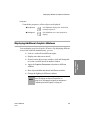
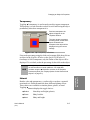
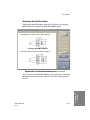
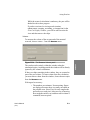
Options
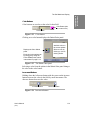
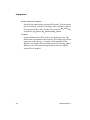
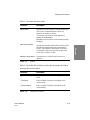
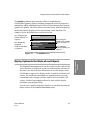
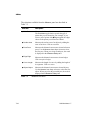
Sets whether the highlighting colors will be shown in the
Graphics Window.