1
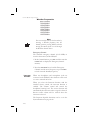
Comm Radio Operation
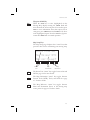
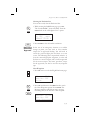
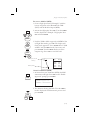
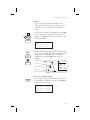
RF Signal Strength
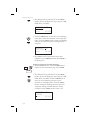
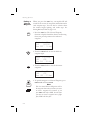
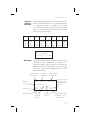
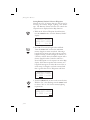
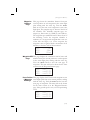
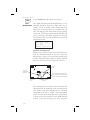
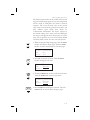
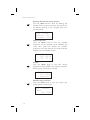
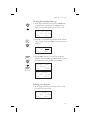
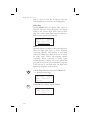
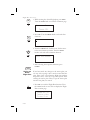
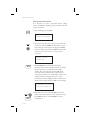
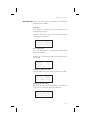
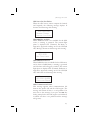
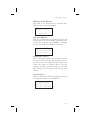
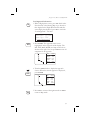
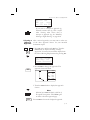
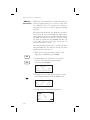
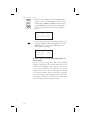
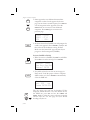
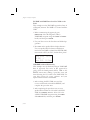
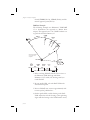
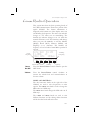
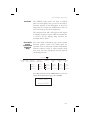
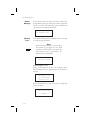
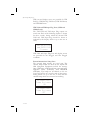
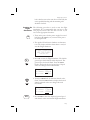
The RF Signal Level function shows the relative
signal strength of the frequency you are listening to.
The range displayed is between 0 and 255. The value
will constantly change while you are viewing it as
signal conditions change.
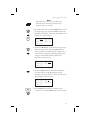
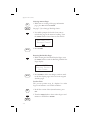
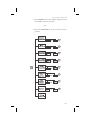
RF Signal Level
119.10
087
Noise Level
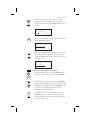
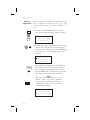
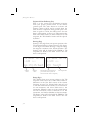
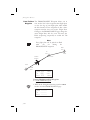
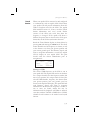
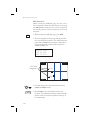
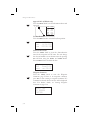
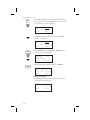
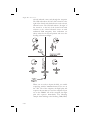
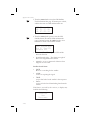
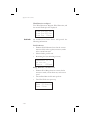
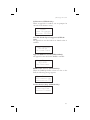
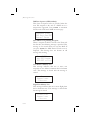
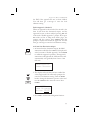
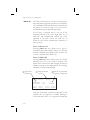
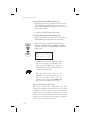
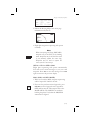
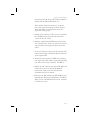
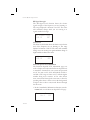
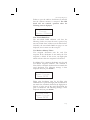
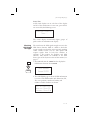
The Noise Level function shows the relative received noise
level of the frequency you are listening to. The range
displayed is between 0 and 255. The value will constantly
change as you are viewing it as signal conditions change. A
higher number indicates more noise.
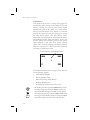
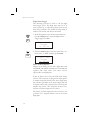
Noise Level
119.10
087
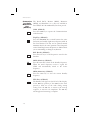
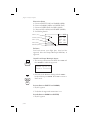
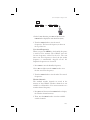
Intercom Squelch Level Adjustment
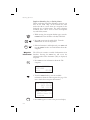
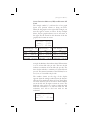
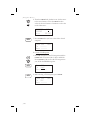
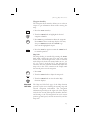
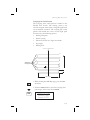
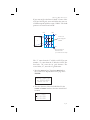
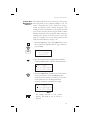
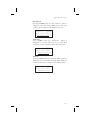
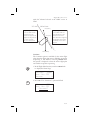
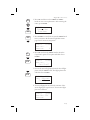
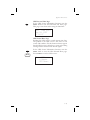
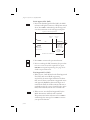
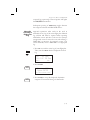
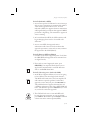
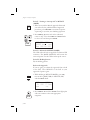
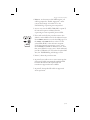
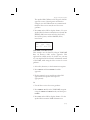
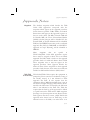
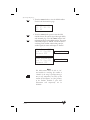
The Intercom Squelch Level Adjustment pages are
used to display and adjust the Intercom Squelch level
to match the sensitivity for your system and personal
needs. You may set the levels individually for Mic 1
and Mic 2. The range is from 0 to 127, with the higher
number being more sensitive. A low value allows
more noise/sound through the intercom to allow for
speaking when there is more noise in the background.
A higher value reduces noise/sound allowed through
the intercom.
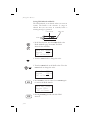
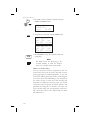
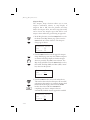
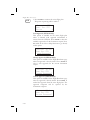
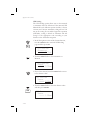
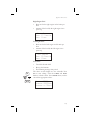
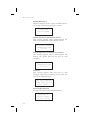
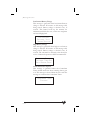
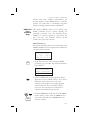
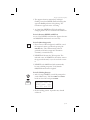
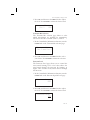
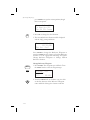
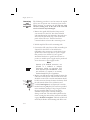
1. In the Comm Radio Information function, turn the
LARGE knob to each Intercom Squelch Level page.
Intercom Squelch
Mic 1
107
10-10