1
LifeSync® System User’s Manual 17 LifeSync® Wireless System Operation
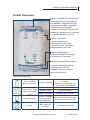
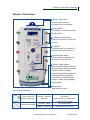
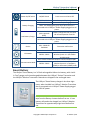
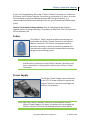
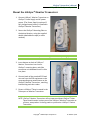
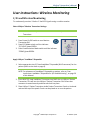
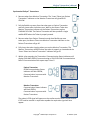
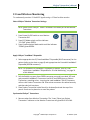
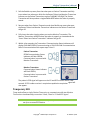
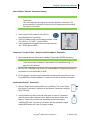
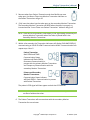
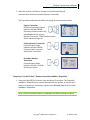
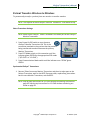
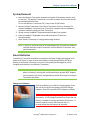
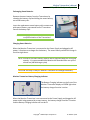
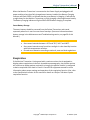
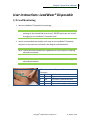
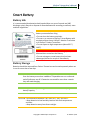
LifeSync® Wireless System Operation The LifeSync® Wireless System works with existing ECG monitor equipment and with recommended electrode(s). NOTE: Proper function of the LifeSync® Wireless System with the ECG monitoring equipment should be confirmed before use with a patient. (See System Functional Check on page 35 of this Manual.) Wireless System Set Up Install/Check Smart Batteries in Transceivers NOTE: If battery is new, remember to remove the plastic tape from the battery contacts before first use. A new battery will need to be charged in a LifeSync® Monitor Transceiver for approximately eight hours before first use. 1. Swing battery clips to the side, off the end of the battery. Remove battery from each transceiver. 2. Check battery charge indicator on each battery by pressing the oval. If all five battery indicators are not lit, replace battery with a fully charged battery. Each LED represents 20% of battery life. 3. Re‐install battery into each transceiver and secure by latching battery clips back over the end of the battery. NOTE: Use a fully charged battery. To charge the LifeSync® Smart Battery ensure the LifeSync® Monitor Transceiver is connected to the LifeSync® Power Supply and plugged to AC power and the smart battery is fully inserted and latched Copyright© 2008 LifeSync Corporation LS‐164 Rev 7/08