1
Chapter 2
Using the X-RAY kVp Function
kVp Measurement Procedure
Selecting a Filter Pack
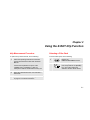
To perform kVp measurements, do the following:
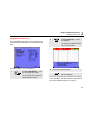
To select a filter pack, do the following:
1
Follow the operating instructions for the filter
pack as described in the filter pack Operators
Manual.
Connect the kVp divider to Input A of the
199XRAY using a shielded 1:1 cable, for
example the cable of the MA190 Accessory set.
2
Select the required filter pack, see ‘Selecting a
Filter Pack’.
3
Start the measurement. See kVp Scope Mode
on page 2-7 for further instructions.
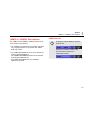
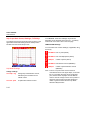
1
Display the
MEDICAL/RECORDER screen.
2
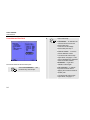
Select ■ kVp with the arrow keys,
then accept with the F4 (ENTER)
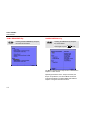
key. One of the Filter Pack
Selection Screens will be shown.
2-1