1
Making calls – enhanced functions
Step by Step
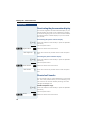
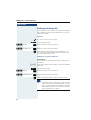
Changing the sequence of entries:
The phonebook entries are generally sorted in alphabetical order by surname. Spaces and digits have first priority here. If the phonebook only contains a subscriber’s
first name, this is listed instead of the surname in the
sequence.
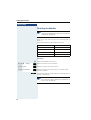
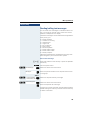
The sort sequence is as follows:
1. Space
2. Digits (0 - 9)
3. Letters (alphabetical)
4. Other characters
If you want to change the sequence of entries in the alphabetical list, you could insert a space or a digit before
the first letter of the surname. These entries then move
to the beginning of the phonebook. Names with a star
in front of them are at the end of the phonebook.
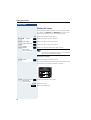
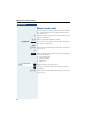
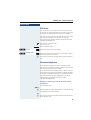
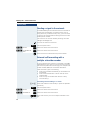
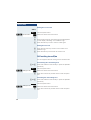
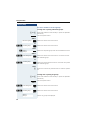
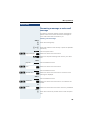
Finding and dialing an entry
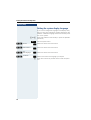
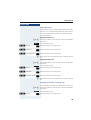
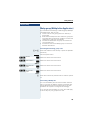
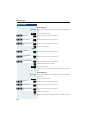
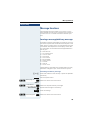
s Open the phonebook.
s t or o Browse to the required entry or enter the first letter of
the entry.
If necessary, press a key several times in succession to
enter the required letter.
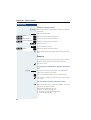
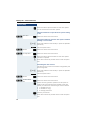
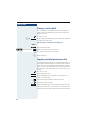
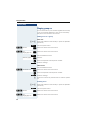
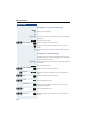
either:
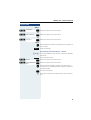
c Press the Talk key. The assigned phone number is dialed.
or:
st
Options
Display Number
Open the menu.
[ Select the menu item and confirm. The number is displayed.
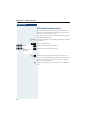
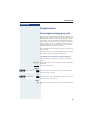
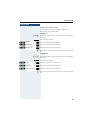
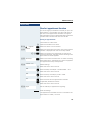
o
Change or complete the phone number, forexample,
with DDIA.
c Press and hold down the Talk key.
63