1
Basic Camera Setup: The Setup Menu
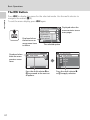
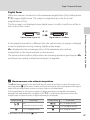
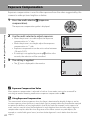
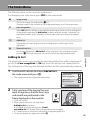
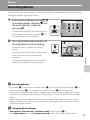
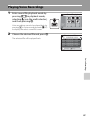
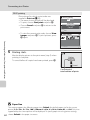
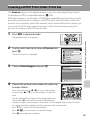
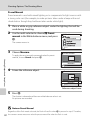
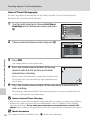
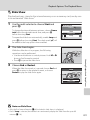
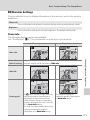
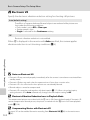
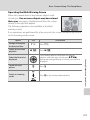
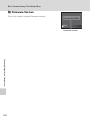
Operating the Blink Warning Screen
When the camera detects any human subjects with
closed eyes, One or more subjects may have closed
their eyes. message is displayed and then, the screen
shown in the right will appear.
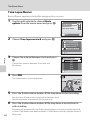
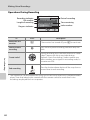
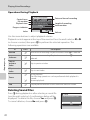
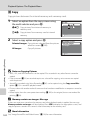
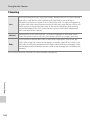
The following operations are available in the blink
Exit
warning screen.
If no operations are performed for a few seconds, the screen automatically returns
to the shooting mode screen.
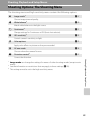
Option
Use
Enlarge and display
the detected face
g (i)
Switch to full-frame
playback
f (h)
Press g (i).
Press f (h).
l
Press l.
k
Switch to shooting
mode
Press k or the shutter-release button.
Shooting, Playback and Setup Menus
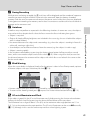
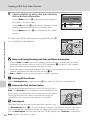
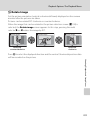
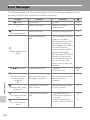
If the camera detects more than one human
subjects with their eyes closed, press KIJH
during the enlarged display to switch over the face
displayed.
Select the face to be
displayed
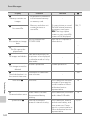
Delete the shot
picture
Description
119