1
Basic Operations
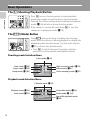
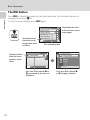
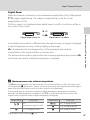
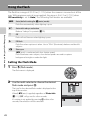
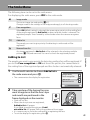
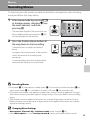
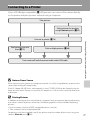
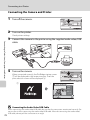
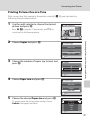
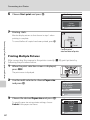
The Multi Selector
Introduction
This section describes standard uses of the multi selector to select modes, select
menu options and to apply selection.
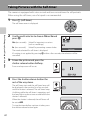
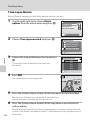
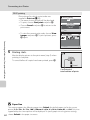
For Shooting
Display m (flash mode) (A 28) menu or move cursor up.
Display n
(self-timer)
(A 30) menu.
Display o (exposure
compensation) (A 32)
menu.
Flash mode
Apply selection.
Display p (macro mode) (A 31) menu or move cursor down.
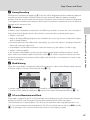
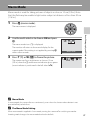
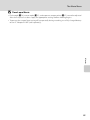
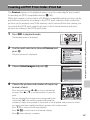
For Playback
15/05/2008 15:30
0004.JPG
Display the
previous picture.
Display the next
picture.
4
4
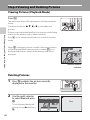
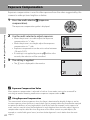
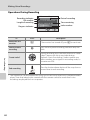
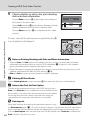
For the Menu Screen
Move cursor up.
Move cursor to left
or return to the
previous screen.
Move cursor down.
C
Shooting
Apply selection
(Go to the next
screen).
Move cursor to
right or go to the
next screen
(Apply selection).
Shooting menu
Image mode
White balance
Continuous
ISO sensitivity
Color options
Exit
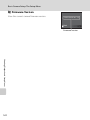
Notes on the Multi Selector
Multiple operations are available with the multi selector but no detailed operation is described here.
In the manual, the button indicating up, down, left and right of the multi selector is shown as H, I,
J and K.
9