1
D. EXAMPLES
D-3
STEP 4
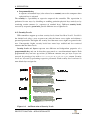
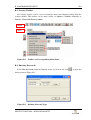
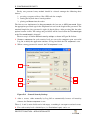
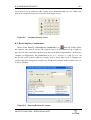
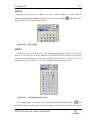
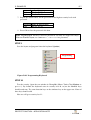
Program the LogOn key. Make sure the security toolbar is shown (Menu:
Security→Show security toolbar). Select the set Log On key button
, and click on the
upper right key, A4 to set it to Log On key.
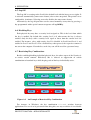
Figure D.4
Log On Key
STEP 5
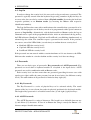
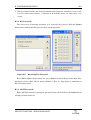
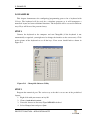
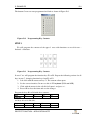
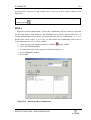
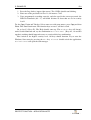
Assign security levels to the keys. The whole numerical part will be accessible for
anyone, so we can leave it to the default Level 0. The keys in row B will be accessible
from Level 1, the function keys from Level 2. Keys A1 and A2, Ctrl and Alt, will be
enabled in Level 2, A3, the Windows key, will be enabled in security level 3.
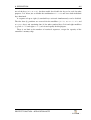
Figure D.5
Assigning Security Levels
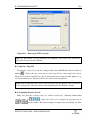
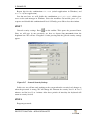
To accomplish this, we need to select the button Set keys to security level 1
from
the toolbar. Click on all keys in row B to set them to security level 1. Repeat this step for
PROTECT FUNCTION – APPLICATION NOTE