1
Chapter 3 — Configuring the CK32 I-Safe
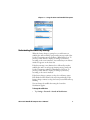
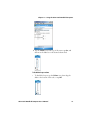
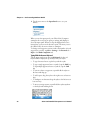
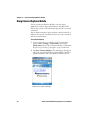
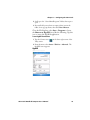
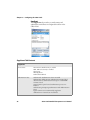
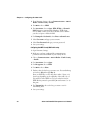
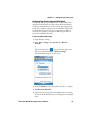
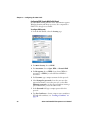
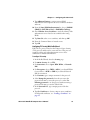
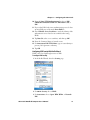
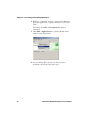
3 From the Security Choice list, select Microsoft Security and
save your settings. An alert box appears telling you that you
must save your settings and warm boot the CV30 for the new
security choice to take effect.
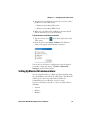
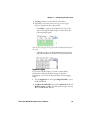
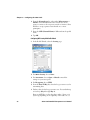
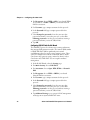
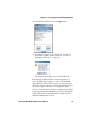
4 An alert box appears telling you that you must save your
settings and warm boot the CK32 I-Safe for the new security
choice to take effect. Tap Yes to warm boot the CK32 I-Safe
with Microsoft Security as the Security Choice.
74
CK32 I-Safe Handheld Computer User’s Manual