1
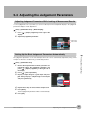
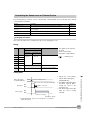
Measures to Stabilize Position Correction
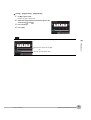
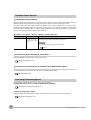
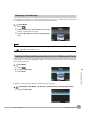
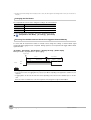
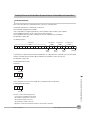
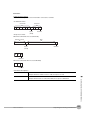
• Low Mark Contrast and Inconsistent Correlations
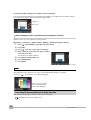
Areas with high contrast are registered as model registration sections.
The adjustment procedure is the same as for the search function.
Or, adjust the brightness to increase the contrast of the mark.
Making dark images brighter: p. 38
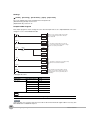
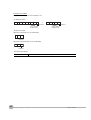
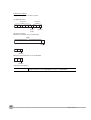
• Inconsistent Marks and Inconsistent Correlations
Inconsistent portions can be masked so that are omitted from matching.
Operating procedures for other functions are basically the same as those for searching.
Refer to the following information.
Unstable search results: p. 54
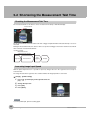
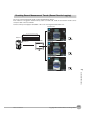
Increasing the Speed of Position Compensation
The following method can be used to reduce processing time.
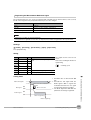
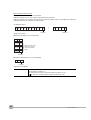
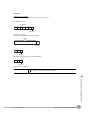
• Reduce the range in which searches are performed for the model.
Operating procedures for other functions are basically the same as those for searching.
Refer to the following information.
Changing the measurement region: p. 57
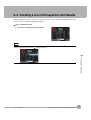
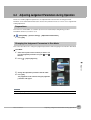
Adjusting the Image Timing
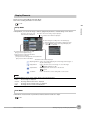
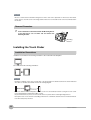
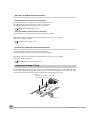
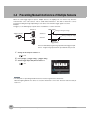
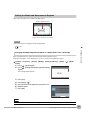
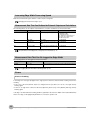
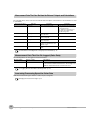
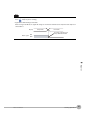
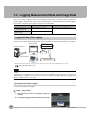
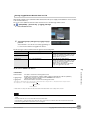
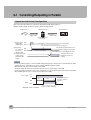
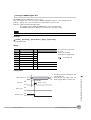
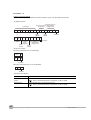
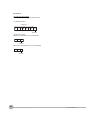
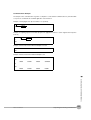
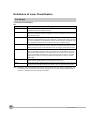
The internal timing for taking an image can be set to be delayed in relation to the external trigger signal. This
can be used to adjust the object position in the image, e.g., if an external trigger sensor is used. If the object
position still varies in the image the Position Compensation function must also be used.
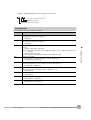
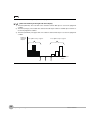
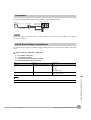
Delay time
Delay from when the trigger is input until
when Sensor input is started.
Trigger input Sensor
44
Adjusting the Object Position
FQ User’s Manual