1
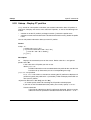
Structure of CSV Outputs
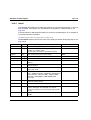
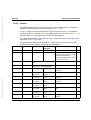
10.3.6 ftshwo
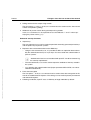
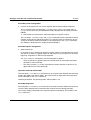
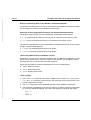
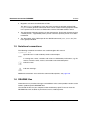
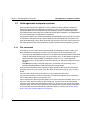
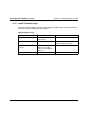
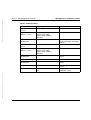
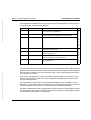
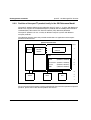
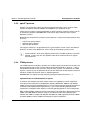
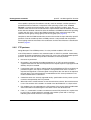
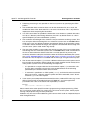
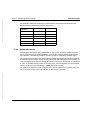
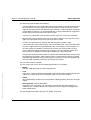
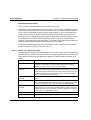
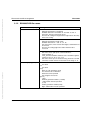
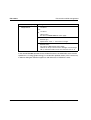
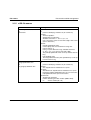
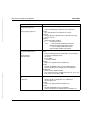
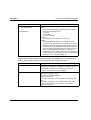
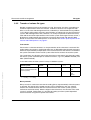
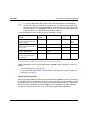
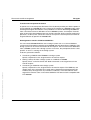
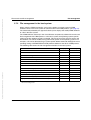
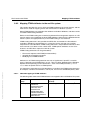
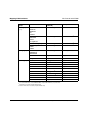
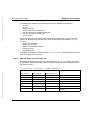
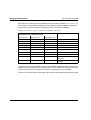
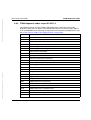
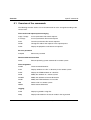
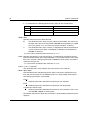
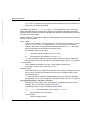
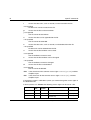
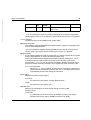
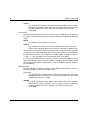
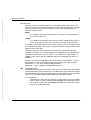
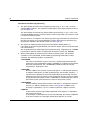
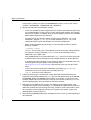
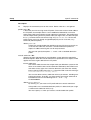
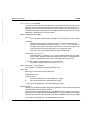
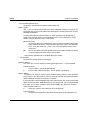
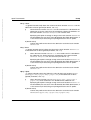
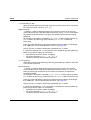
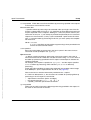
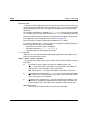
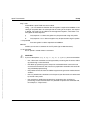
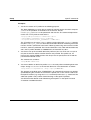
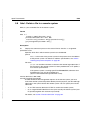
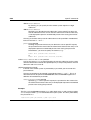
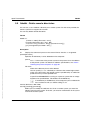
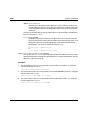
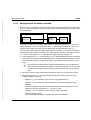
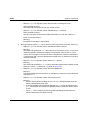
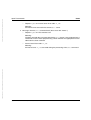
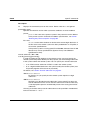
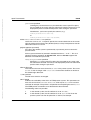
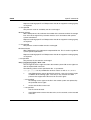
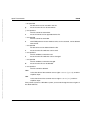
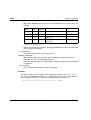
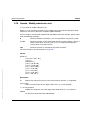
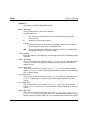
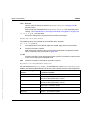
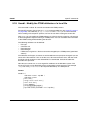
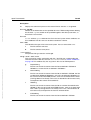
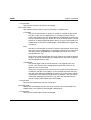
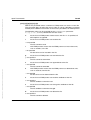
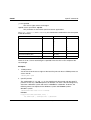
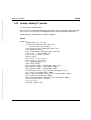
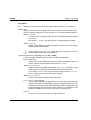
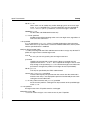
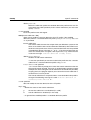
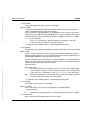
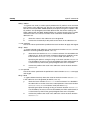
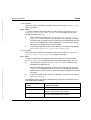
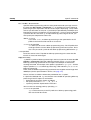
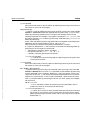
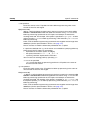
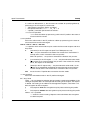
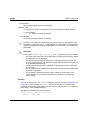
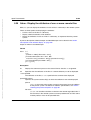
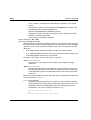
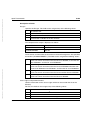
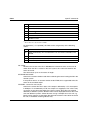
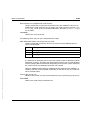
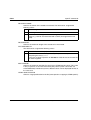
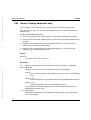
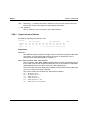
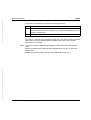
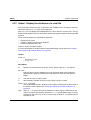
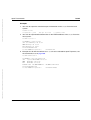
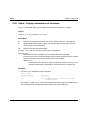
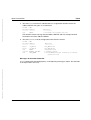
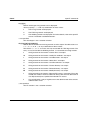
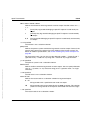
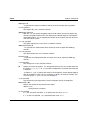
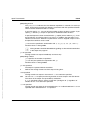
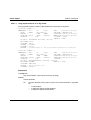
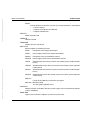
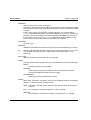
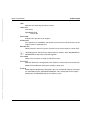
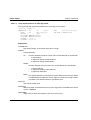
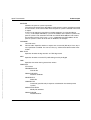
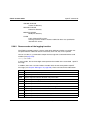
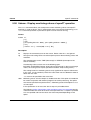
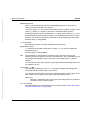
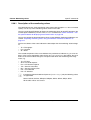
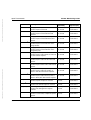
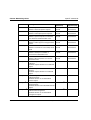
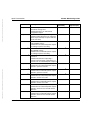
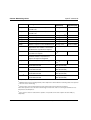
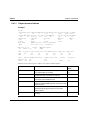
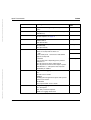
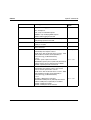
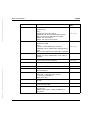
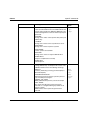
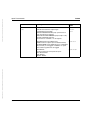
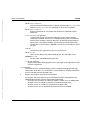
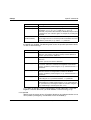
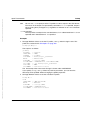
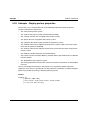
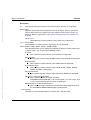
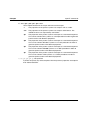
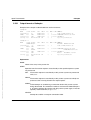
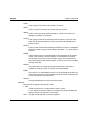
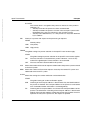
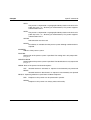
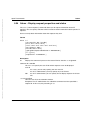
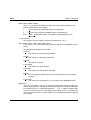
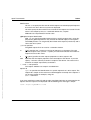
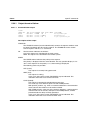
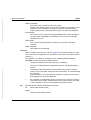
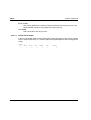
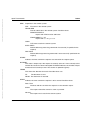
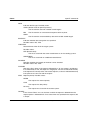
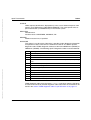
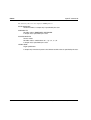
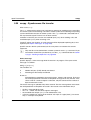
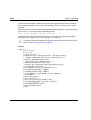
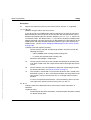
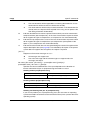
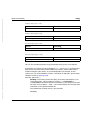
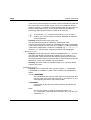
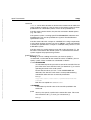
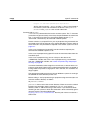
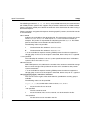
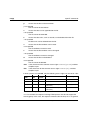
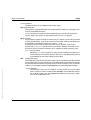
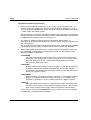
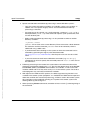
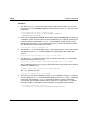
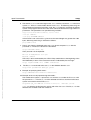
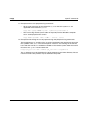
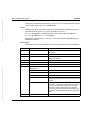
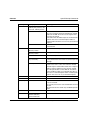
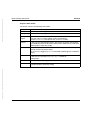
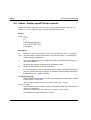
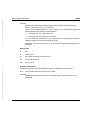
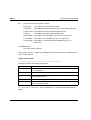
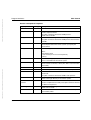
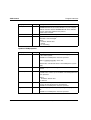
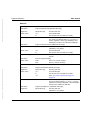
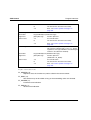
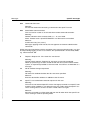
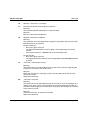
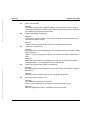
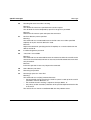
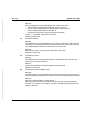
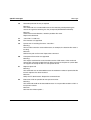
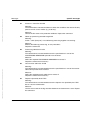
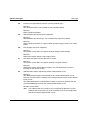
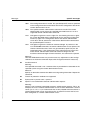
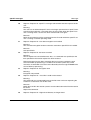
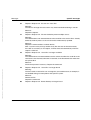
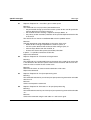
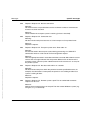
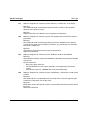
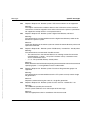
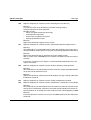
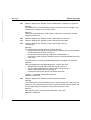
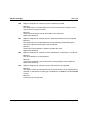
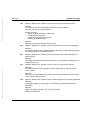
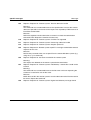
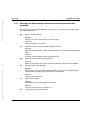
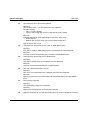
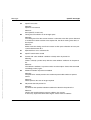
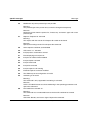
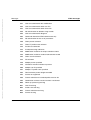
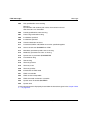
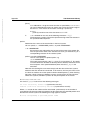
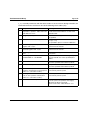
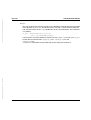
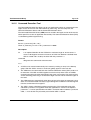
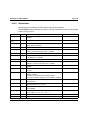
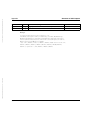
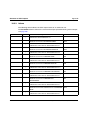
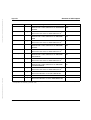
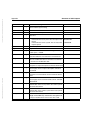
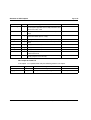
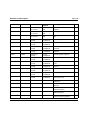
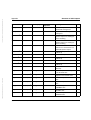
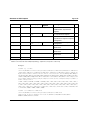
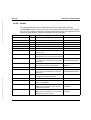
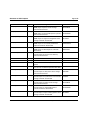
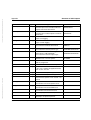
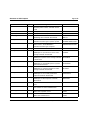
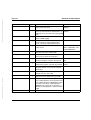
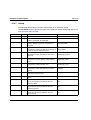
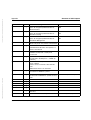
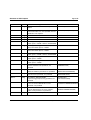
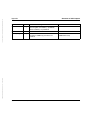
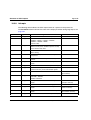
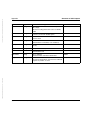
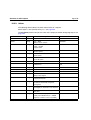
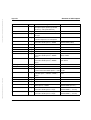
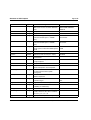
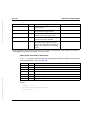
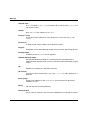
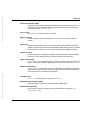
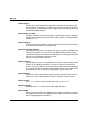
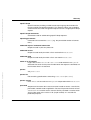
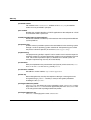
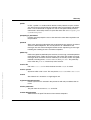
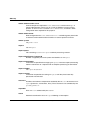
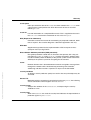
The following table indicates the CSV output format of the operating parameters
The Parameter column contains the name of the output parameter during normal output,
see page 274 ff. Some parameters have fixed values because they are supported only for
reasons of compatibility or have been replaced by other parameters.
Column
Type
Values and Meaning
PartnerLim
Number 0
---
ReqLim
Number Maximum number of requests
RQ-LIM
TaskLim
Number Maximum number of processes
PROC-LIM
ConnLim
Number Maximum number of connections
CONN-LIM
ReqWaitLev
Number 1
---
TransportUnitSize
Number Maximum length of a transport unit
TU-SIZE
PartnerCheck
String
PTN-CHK
SecLev
Number 0... 100 / *B-P-ATTR
SEC-LEV
Default value for the security level of partners
TraceOpenft
String
*STD / *OFF
Trace function for openFT partner activated /
deactivated
FUNCT, line TRACE
PARTNER-SELECTION
TraceOut
String
*FILE / empty
Trace function activated / deactivated
FUNCT, line TRACE
SWITCH---
TraceSession
String
*OFF
---
TraceFtam
String
*STD / *OFF
Trace function for FTAM partner activated /
deactivated
FUNCT, line TRACE
PARTNER-SELECTION
LogTransFile
String
*ON / *OFF
FT logging activated / deactivated
FT-LOG
© cognitas GmbH 2001
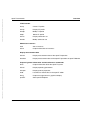
*STD / *TRANSP-ADDR
Partner check
Parameter
MaxInboundReq
Number Maximum number of requests
(same as RQ-LIM)
MaxReqLifetime
String
Maximum lifetime of requests in the request
queue / *UNLIMITED
MAX-RQ-LIFE
Dokuschablonen Version 5.5 für FrameMaker ab V5.5.6 vom 18.03.99
4. Oktober 2012 Stand 13:06.19
Pfad: D:\Projekte-01-FSC\openft\satz_V12-korr\ben_w_e.anh
Appendix
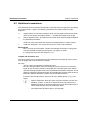
SnmpTrapsSubsystemState String
*ON / *OFF
SNMP traps on subsystem status change
activated / deactivated
TRAP, line SNMP
SS-STATE
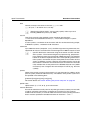
SnmpTrapsFtState
*ON / *OFF
SNMP traps on asynchronous server status
change activated / deactivated
TRAP, line SNMP
FT-STATE
String
openFT V12.0 for Windows Systems - User Guide
421