1
CHAPTER 5 ASSEMBLER
5.5.3
Edit option dialog box
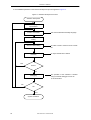
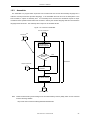
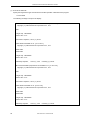
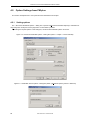
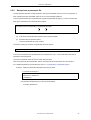
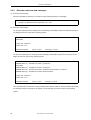
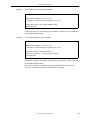
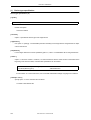
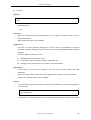
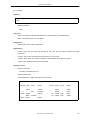
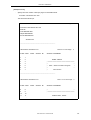
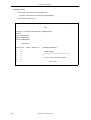
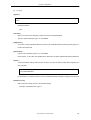
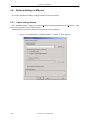
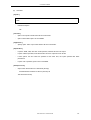
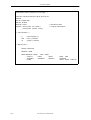
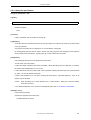
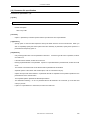
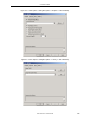
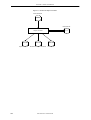
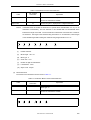
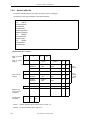
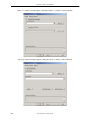
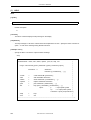
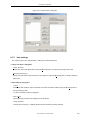
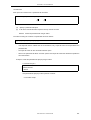
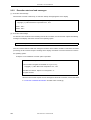
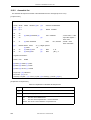
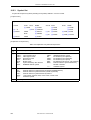
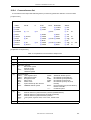
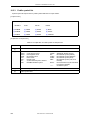
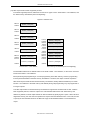
Items are edited in list format in the < Edit Option > dialog box.
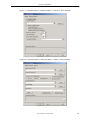
The < Edit Option > dialog box is described below.
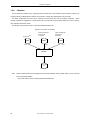
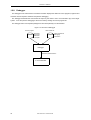
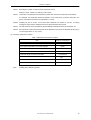
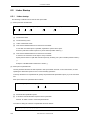
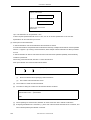
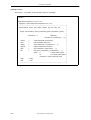
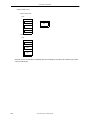
Figure 5-5 < Edit Option > Dialog Box
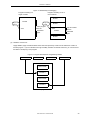
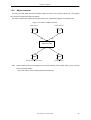
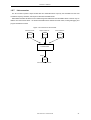
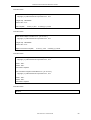
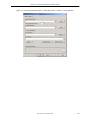
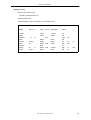
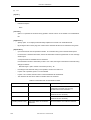
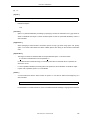
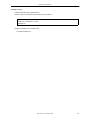
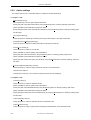
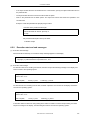
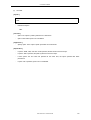
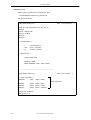
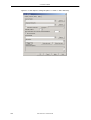
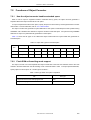
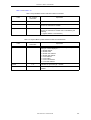
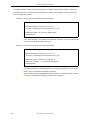
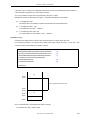
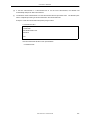
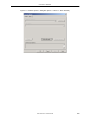
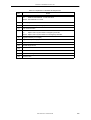
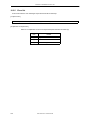
Figure 5-6 < Add Option > Dialog Box
-
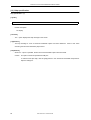
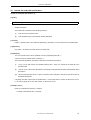
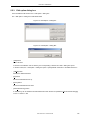
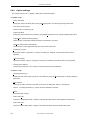
[Add] button
Adds a list item.
If the item to be added is a file or directory, the corresponding < Browse for Folder > dialog box opens.
In all other cases, the < Add Option > dialog box opens. Specify details of the item to be added in this box.
-
[Delete] button
Deletes the selected list item.
-
[Up] button
Moves the selected list item up.
-
[Down] button
Moves the selected list item down.
-
[Add Sub Directory] button
A subdirectory can be added to the selected list item when the item is specified as Include Search Path[-i](I)
on the << Others >> tab.
User’s Manual U17199EJ1V0UM
145