1
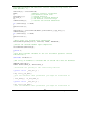
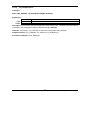
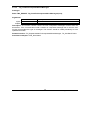
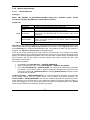
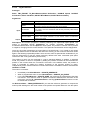
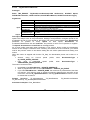
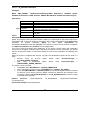
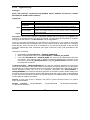
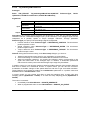
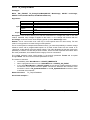
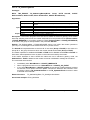
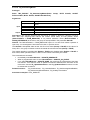
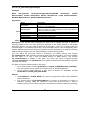
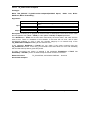
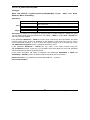
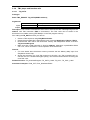
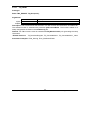
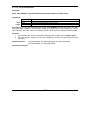
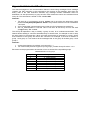
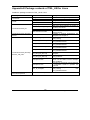
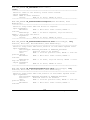
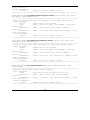
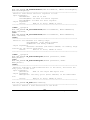
1. Set EnableSlave = SLAVE_NONE if you want to program the motion mode parameters
without enabling it.
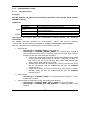
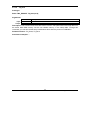
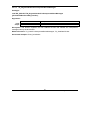
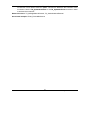
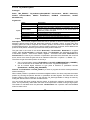
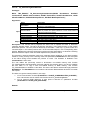
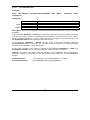
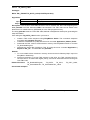
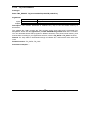
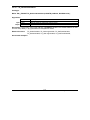
2. Use function block TS_SetCammingMaster to program a drive/motor as master in
electronic camming. When the reference is read from second encoder or pulse &
direction inputs you don’t need to program a drive/motor as master in electronic camming
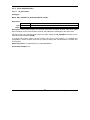
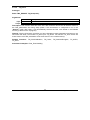
When master position is provided via the external digital interface, the slave computes the master
position by counting the pulse & direction or quadrature encoder signals. The initial value of the
master position is set by default to 0. Use function block TS_SetLongVariable to change its value
by writing the desired value in the TML variable APOS2.
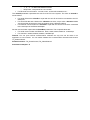
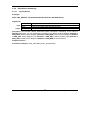
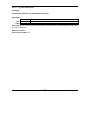
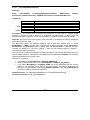
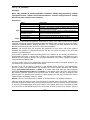
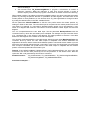
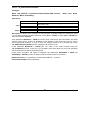
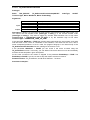
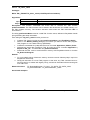
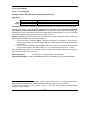
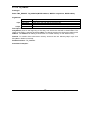
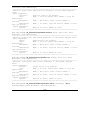
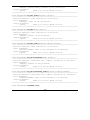
Set the parameter OffsetFromMaster to shift the cam profile versus the master position, by
setting an offset for the slave. The cam table input is computed as the master position minus the
cam offset. For example, if a cam table is defined between angles 100 to 250 degrees, a cam
offset of 50 degrees will make the cam table to execute between master angles 150 and 300
degrees.
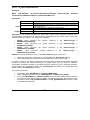
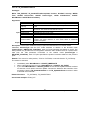
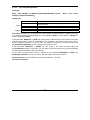
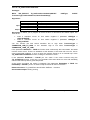
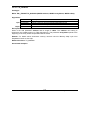
You can compress/extend the cam table input. Set the parameter MultInputFactor with the
correction factor by which the cam table input is multiplied. For example, an input correction factor
of 2, combined with a cam offset of 180 degrees, will make possible to execute a cam table
defined for 360 degrees of the master in the last 180 degrees.
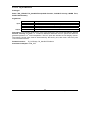
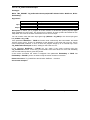
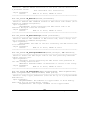
You can also compress/extend the cam table output. Specify through input MultOutputFactor the
correction factor by which the cam table output is multiplied. This feature addresses the
applications where the slaves must execute different position commands at each master cycle, all
having the same profile defined through a cam table. In this case, the drive/motor is programmed
with a unique normalized cam profile and the cam table output is multiplied with the relative
position command updated at each master cycle.
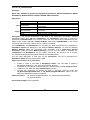
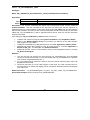
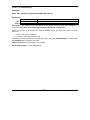
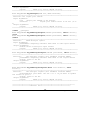
Remark: If the OffsetFromMaster, MultInputFactor and/or MultOutputFactor are set to zero the
drive/motor will use the value previously set for the parameter or the default value. With this
option the TML code generated by this function is reduced.
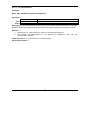
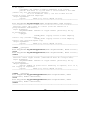
Related functions:
TS_CamDownload, TS_CamInitialization, TS_SetCammingSlaveRelative,
TS_SetCammingMaster, TS_SetMasterResolution,
Associated examples: –
© Technosoft 2009
65
TML_LIB – User Manual