1
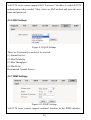
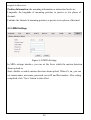
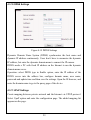
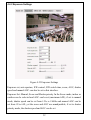
Authentication: Enable or disable authentication function. This function User name: Sender’s name, it can be set according user’s needs. Password: Set sender’s password. should be set according to authentication requirements of mail server. Note: there is no limit for Sender’s name and password settings. After setting, click “Set” Save to take effect. If user selects “mail” in “Alarm Settings” interface, system will send mails according to SMTP settings. 4.3.4 HTTPS Settings Figure 4-13 HTTPS Settings V6822-T0 series camera supports HTTPS protocol. You can import the CA certificate in the interface. 4.3.5 802.1X Settings Figure 4-14 802.1X Settings 25