1
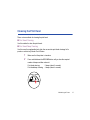
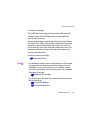
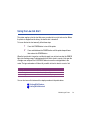
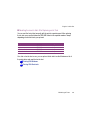
Changing BJ Cartridges
1
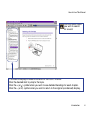
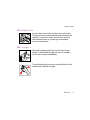
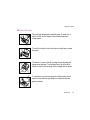
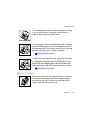
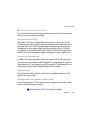
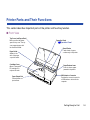
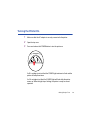
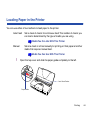
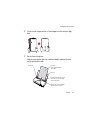
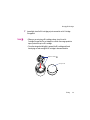
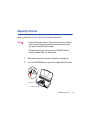
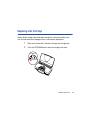
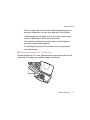
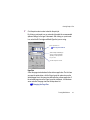
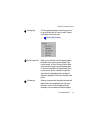
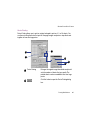
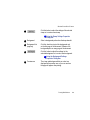
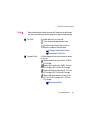
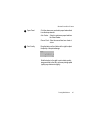
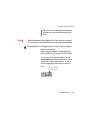
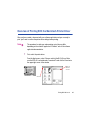
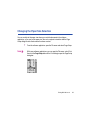
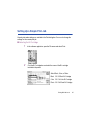
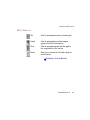
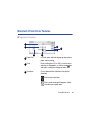
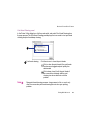
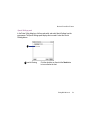
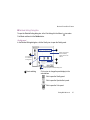
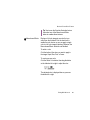
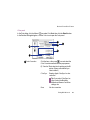
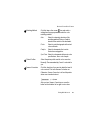
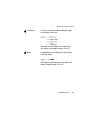
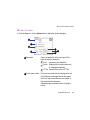
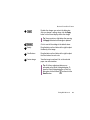
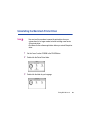
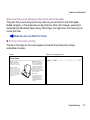
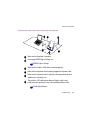
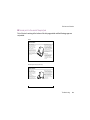
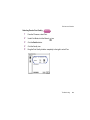
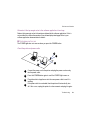
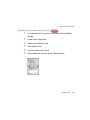
Make sure that the printer is turned on and open the cartridge cover.
2
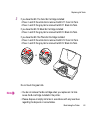
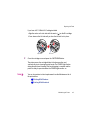
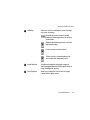
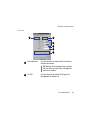
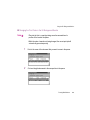
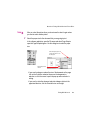
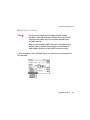
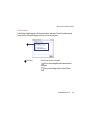
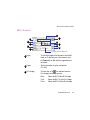
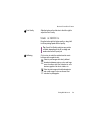
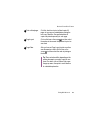
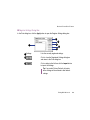
Press the CARTRIDGE button to move the cartridge holder to the center.
3
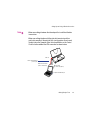
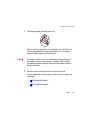
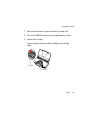
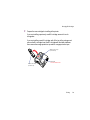
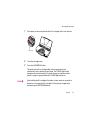
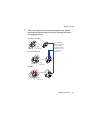
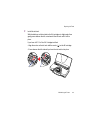
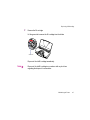
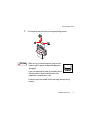
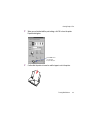
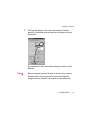
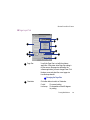
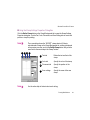
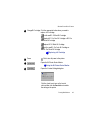
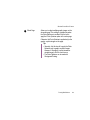
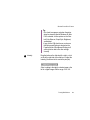
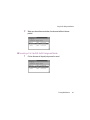
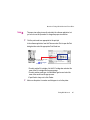
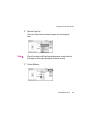
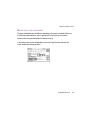
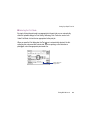
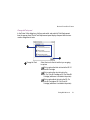
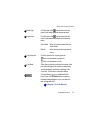
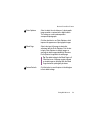
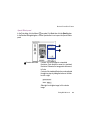
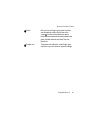
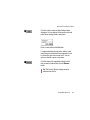
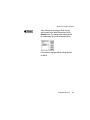
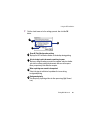
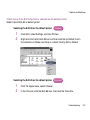
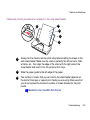
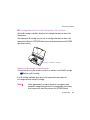
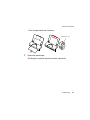
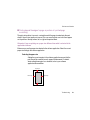
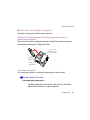
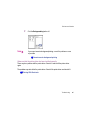
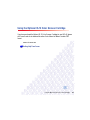
Remove the BJ cartridge.
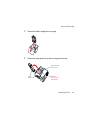
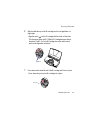
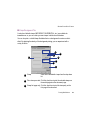
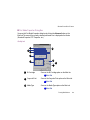
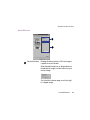
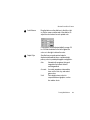
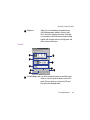
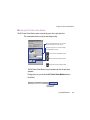
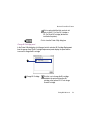
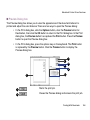
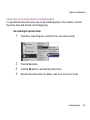
Lift up on the green tab to remove the BJ cartridge from the cartridge
holder.
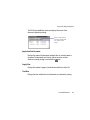
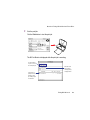
Green Tab
Cartridge Cover
Printing
48