1
BJC-55.book Page 285 Tuesday, August 15, 2000 2:08 AM
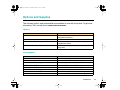
Problems and Solutions
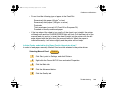
Refer to the software application manual for the amount of memory required to run the
program. Add more memory (RAM) if required. Shut down all other software applications
before you open the software application and try again.
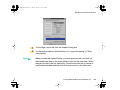
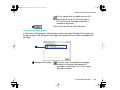
Cannot execute background printing due to insufficient
memory.
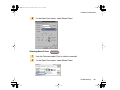
Shut down all programs running in the background to free up memory.
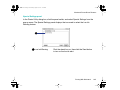
Cannot execute print due to insufficient disk space.
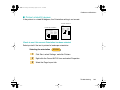
Delete any unnecessary files to make room on the hard disk.
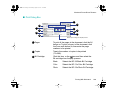
Check to see if there are any errors in the document
Try printing a newly created document.
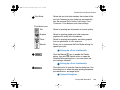
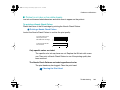
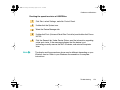
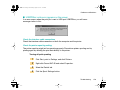
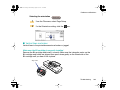
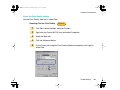
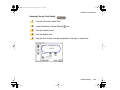
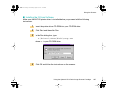
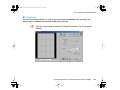
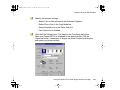
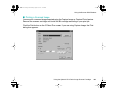
Check to see if the printer driver has been installed properly
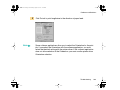
It is possible that the printer driver may not have been installed properly. Uninstall the
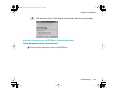
printer driver and re-install it from the beginning. See your Quick Start Guide for details.
Troubleshooting
285