1
BioEx Systems Fitness Maker Getting Started
3
Adding a New Client
Adding a New Client
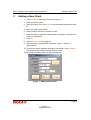
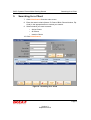
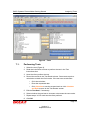
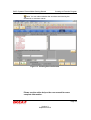
1. Click Add Client from the main screen (Figure 1).
2. Enter the client’s name.
3. Enter the client's ID or click Auto ID to automatically generate a client
ID.
4. Enter the client’s date of birth.
5. Select whether the client is female or male.
6. Enter the client’s height and select whether the height is recorded as
inches or centimeters.
7. Click OK.
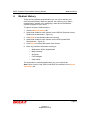
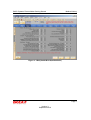
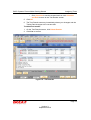
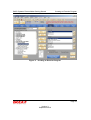
8. Click the Client Info tab (Figure 2).
9. Enter the client’s demographic information. (Note: * denotes a
required field.)
10. To enter any notes regarding the client’s information, click Add Note.
This inserts a date and time stamp. Enter the note.
The information is saved when you go to another tab.
Figure 1 - Adding a New Client
Page 3
Version 3
September 2010