1
Table of Contents
Introduction
Positioning the projector
Connecting a computer source
VESA connection
HDMI connection
Power connection
Optional computer connections
Displaying an image
Adjusting the image
Video device connections
Composite video connection
HDMI 1.4 connection
VESA connection
Component video connection
Shutting down the projector
Troubleshooting your setup
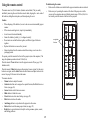
Using the remote control
Using the audio
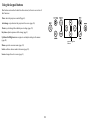
Using the keypad buttons
Optimizing computer images
Presentation features
Optimizing video images
Customizing the projector
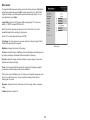
Using the menus
Basic menu
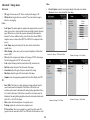
Advanced > Image menu
Advanced > Setup menu
Advanced > Status/Service menu
Multimedia EZ Suite Menu
EZ Media
EZ Display
Settings
Maintenance
Cleaning the lens
Using the security lock
Replacing the projection lamp
4
6
7
7
7
7
7
8
9
10
10
10
10
10
11
11
19
20
21
22
22
23
23
24
25
26
27
31
32
32
40
42
2
46
46
46
47