1
2. Settings
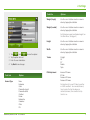
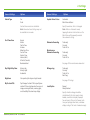
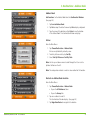
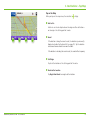
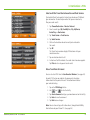
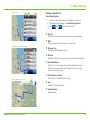
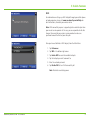
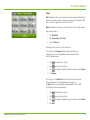
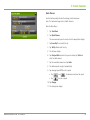
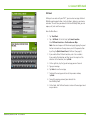
Warnings Options
Warnings Options
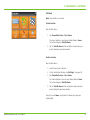
Warning/Alert PromptsNone
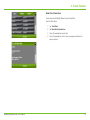
Audio & Visual
Visual
Audio
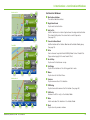
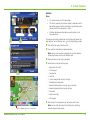
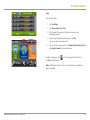
Crossing State Border/
Timezone Change Warning Off
On
Auto Dismiss WarningsNever
After 10 seconds
After 30 seconds
Height and weight violations will not be auto dismissed.
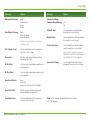
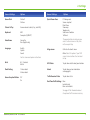
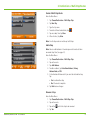
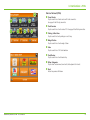
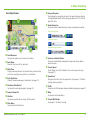
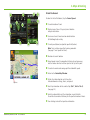
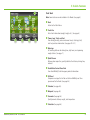
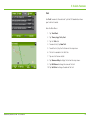
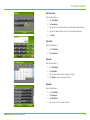
Hills & Sharp Curves
Set warning distance to hills or curves by using the + and - buttons.
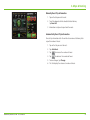
Driving Day
Set when to be warned before reaching
the driving hours limit.
On Duty Day
Set when to be warned before reaching the duty hours limit.
On Duty Week
Set when to be warned before reaching the duty week limit.
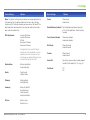
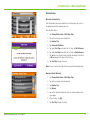
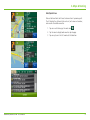
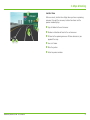
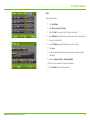
Tollbooth Alert Set warning distance to toll booths
by using the + and - buttons.
Weigh Station Set warning distance to weigh stations
by using the + and - buttons.
Construction Area Set warning distance to construction areas by using the + and - buttons.
Construction information is based on
RoadWork™ data distributed through the Rand McNally Dock. (See page 48.)
Speed Limit Change Set warning distance to speed limit changes by using the + and - buttons.
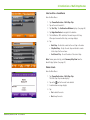
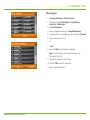
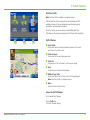
Speed Limit DisplayNone
Truck only
Show car (if no truck limit is available)
Speed Limit Alert
Set the margin at which to be warned about exceeding the speed limit.
State Border Alert
Set warning distance to state borders by using the + and - buttons.
Rand McNally IntelliRoute® TND™ 720 User Manual
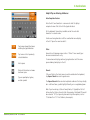
Note: To turn warnings off completely, tap the - button
until “off” displays.
7