1
5. Tools & Features
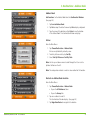
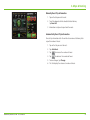
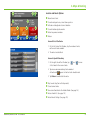
Real-Time Traffic
1
2
3
Note: Real-time traffic is available as an optional service.
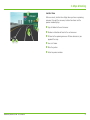
With the Real-Time Traffic service you’ll receive notification of traffic
conditions and events. You can choose to ignore the warning or to
recalculate a route avoiding the problem.
To use this feature, you must purchase a Rand McNally Real-Time
Traffic Receiver. The receiver also comes with a lifetime traffic subscription.
4
5
6
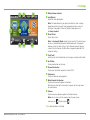
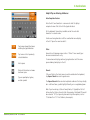
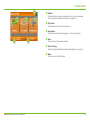
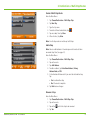
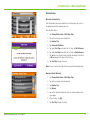
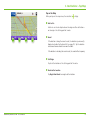
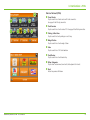
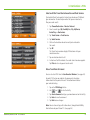
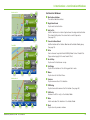
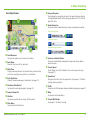
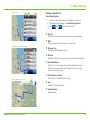
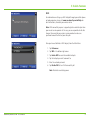
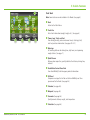
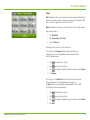
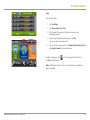
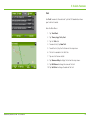
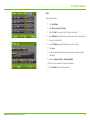
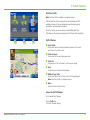
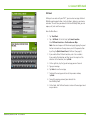
Traffic Window
q Avoid Traffic
Tap to select either a recalculated route based on traffic events
or to stay on the current route.
wTraffic on Route
Tap to view traffic events along your route..
eTraffic List
Tap to view a list of traffic events within receiver range.
r Back
Tap to return to the Route Map Window.
tOff/Real-Time Traffic
Tap to select Real-Time Traffic or to turn traffic reporting off.
Note: Real-Time traffic is an optional service.
y Menu
Tap to return to the Main Menu.
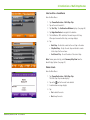
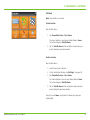
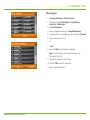
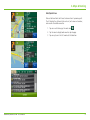
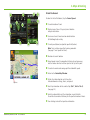
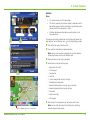
Access the Traffic Window
On the Route Map Window:
Tap the Traffic icon.
The Traffic Window displays.
Rand McNally IntelliRoute® TND™ 720 User Manual
47