1
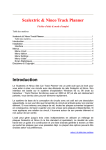
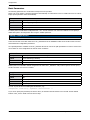
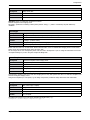
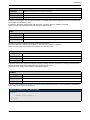
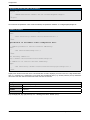
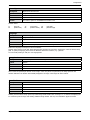
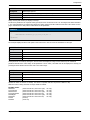
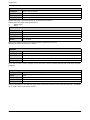
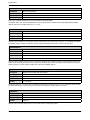
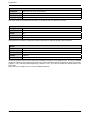
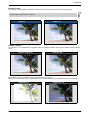
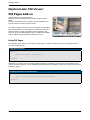
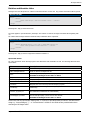
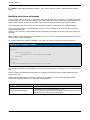
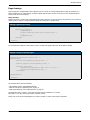
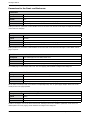
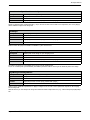
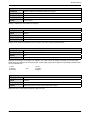
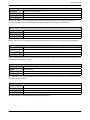
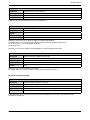
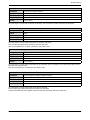
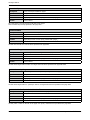
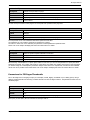
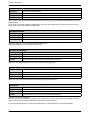
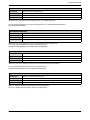
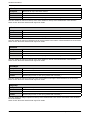
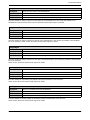
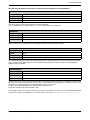
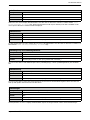
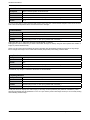
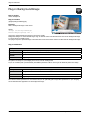
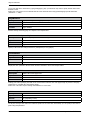
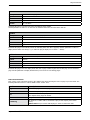
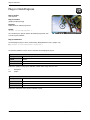
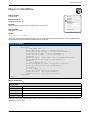
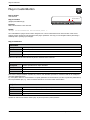
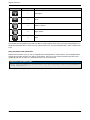
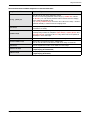
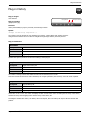
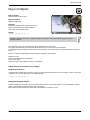
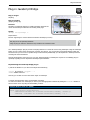
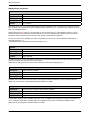
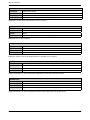
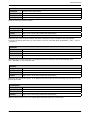
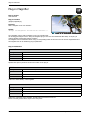
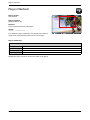
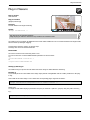
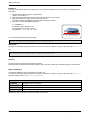
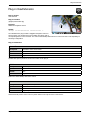
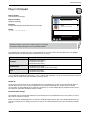
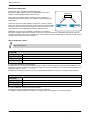
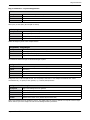
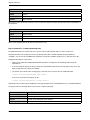
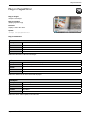
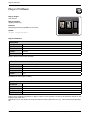
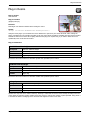
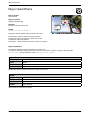
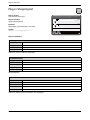
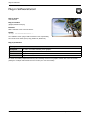
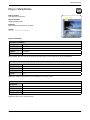
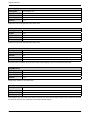
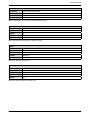
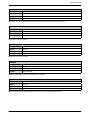
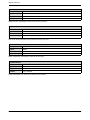
Plug-ins Reference Plug-in LargeToolTips Plug-in Target: User interface of FSI Pages Plug-in Location: /plugins/largetooltips.plg Function: Display multi-line tool tips with HTML formatted text. Syntax: <Plugin src="largetooltips"/> Restaurant Outdoor or indoor. Celsius by candlelight or in the bright Maldivian sunshine, refreshed by cool ocean sprays. Foods • vegetables • meat & fish • desserts his plug-in adds multi-line tool tips displaying HTML formatted text T to links in FSI Pages add-on. The following HTML tags can be used in the tool tip text data: <b>…</b> <i>…</i> <u>…</u> <br/> <font size="n" color="#RRGGBB" >…</font> <p align="…">…</p> <img src="..." width="..." height="..."> Note: Certain limitations apply when using the img-tag: The width and height attributes are mandatory and the URL in the src-attribute must end width .jpg or .png. If you are using a single source imaging server to provide these images, then consider appending something like &ext=.jpg to the src-URL. Furthermore images will always be inserted into the textflow, if it is desired to continue the text below the inserted image, extra line breaks will be needed. Plug-in Parameters Width Description Width of the tool tip box Syntax Pixels Default 200 Context Plug-in node or HTTP query prefixed with "largetooltips_" Width of the tool tip box. The height of the box will be adjusted according to the length of the contained text. Delay Description Delay before displaying a tool tip Syntax Number (milliseconds) Default 600 Context Plug-in node or HTTP query prefixed with "largetooltips_" You can specify a delay in milliseconds (1000 milliseconds = 1 sec) after pointing at a link area and before displaying a tool tip. Use 0 to display the tool tips immediately without a delay. NeptuneLabs - FSI Viewer ® 171

















































































![[ Team LiB ] In this new edition of the best selling title, the author](http://vs1.manualzilla.com/store/data/005787639_1-73d0050a51fd68261a86e8b5d7df46e8-150x150.png)