1
Self Test List
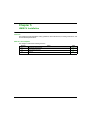
Introduction
The HMISCU units are equipped with a number of diagnostic features that can be used to check
the systems and the interfaces for any detected errors.
Self Test
From the Settings menu, touch the Offline button and then the Self Test icon. Self Test menu
appears. See the Vijeo Designer online help for information on accessing the Offline tab.
Self Tests
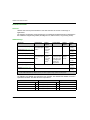
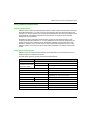
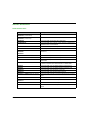
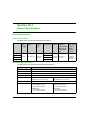
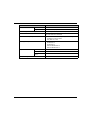
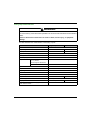
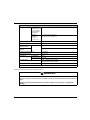
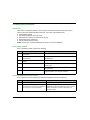
The following tests can be accessed from the Self Test menu.
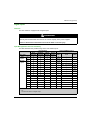
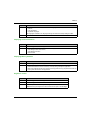
Test
Description
Char. Pattern
Checks the characters in each font set available on the unit. Use this test when
characters (usually double-byte characters) do not display properly.
OK appears if there is no detected error; NG appears if there is a detected error.
Disp. Pattern
Use this test when your drawings are not displayed properly.
Touch Panel
Tests the touch panel cells. Each cell highlights when it is pressed during the test.
COM 1
Checks if the serial port (RS-232C and RS-485) is working properly.
To run the check, you may need to connect a loopback cable (see below).
OK appears if there is no detected error; a detected error message appears if there is an
error.
Video Memory
Use this test to check the video memory (memory used for screen display). Run this test
when the screen does not display properly.
OK appears if there is no detected error; NG appears if there is a detected error.
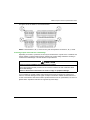
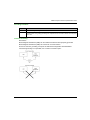
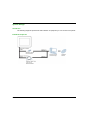
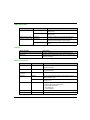
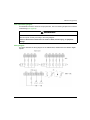
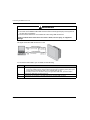
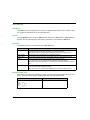
Wiring for COM 1 tests
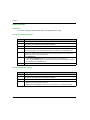
When testing the serial port, depending on which port and which communication format you are
testing, you may need to attach a loopback cable with wiring as defined below:
190
RS-232C
RS-485
HMISCU in COM1
Loopback not required for HMISCU COM1.
EIO0000001232 10/2014