1
Ravenna Network Guide
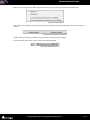
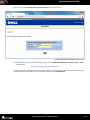
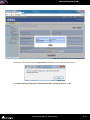
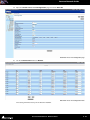
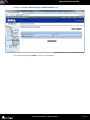
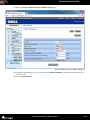
18. Open the Quality of Service > DSCP to Queue Mapping page:
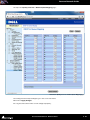
Dell Switch > Quality of Service > DSCP to Queue Mapping page
19. Configure DSCP to Queue Mapping as in the screen shot above.
20. Click on Apply Changes.
21. Log out of the switch which is now configured properly.
Ravenna Network Guide : Network Switch
6 - 42