1
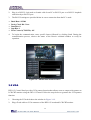
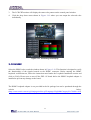
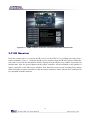
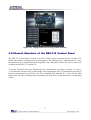
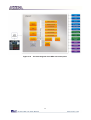
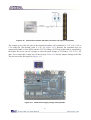
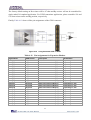
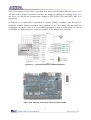
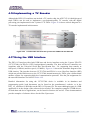
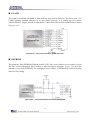
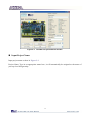
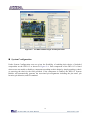
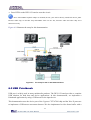
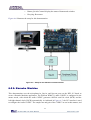
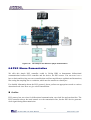
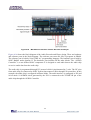
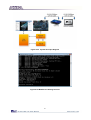
Figure 6-24
The Setup of the Music Synthesizer Demonstration
6.11 Audio Recording and Playing
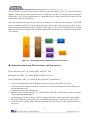
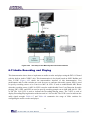
This demonstration shows how to implement an audio recorder and player using the DE2-115 board
with the built-in Audio CODEC chip. This demonstration is developed based on SOPC Builder and
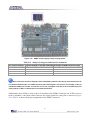
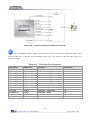
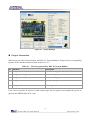
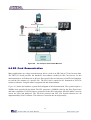
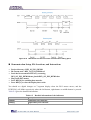
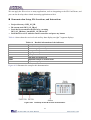
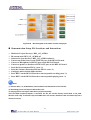
Nios II IDE. Figure 6-25 shows the man-machine interface of this demonstration. Two
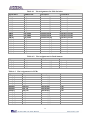
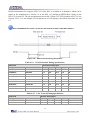
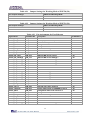
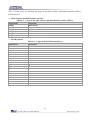
push-buttons and six slide switches are used for users to configure this audio system: SW0 is used
to specify recording source to be Line-in or MIC-In. SW1 is used to enable/disable MIC Boost
when the recording source is MIC-In. SW2 is used to enable/disable Zero-Cross Detection for audio
playing. SW3, SW4, and SW5 are used to specify recording sample rate as 96K, 48K, 44.1K, 32K,
or 8K. The 16x2 LCD is used to indicate the Recording/Playing status. The 7-SEG is used to
display Recording/Playing duration with time unit in 1/100 second. The LED is used to indicate the
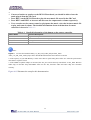
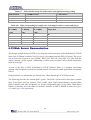
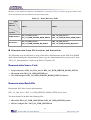
audio signal strength. Table 6-7 and Table 6-8 summarize the usage of Slide switches for
configuring the audio recorder and player.
105