1
Case 2:13-cv-00193 Document 798-2 Filed in TXSD on 11/20/14 Page 2 of 54
LIONS 5.4.1 User Manual
Press J r J to return to a previous screen, or press
ALIAS block.
I or CONTROL + P A G E DOWN to go to the
3.7.7.2. Alias
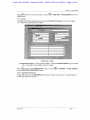
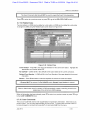
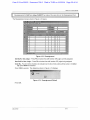
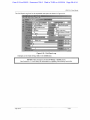
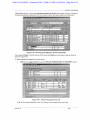
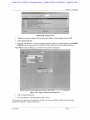
The Alias block tracks multiple names used by an Individual Participant, as shown in Figure
3-21. More than one alias can be entered.
Act-on ErJ.1. Record Query Window Help
-
EZ2
USAOID; I2006V01300 i
®J
Cupli.ni:
smith vs IRS
INDIVIDUAL
I i»l II
111-,1II11111'. iRobert
i r.itti
Itllll
lllll III in. j
lull I'll- |
|
H H U T
1 mill ln.il ' [
1
(•I'liilfl j
( H H l i l i
l(i".ill V.ltl'Hi' i
ruin-. |
Wi'i.|iii ! ""
!
Al IAS
I .i'.t ll.inii'
1X1,111-/110 'llllt.
'.lip ' ' S
U " I •!) •'
Figure 3-21: Alias
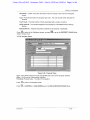
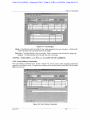
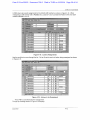
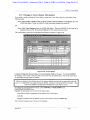
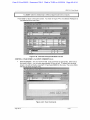
Last Name/First Name - Enter all known aliases. Press the DOWN ARROW to go to a blank
line, or press F6 to insert additional lines if needed.
Press
to return to the PARTICIPANT screen or press
go to the RELATED PARTICIPANT screen.
or CONTROL + PAGE DOWN to
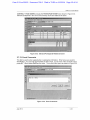
3.7.7.3. Business Participant
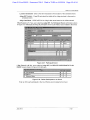
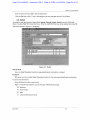
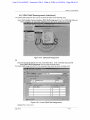
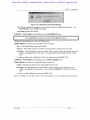
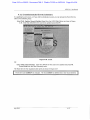
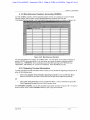
If Type is B (Business), the BUSINESS block shown in Figure 3-22 will open. This information is
for local use and is not required.
July 2012
3-10