1
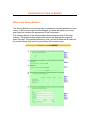
70% of respondents might select row 1, column 1,
and 50% might select row 2, column 2). If you
view the results as a pie chart, you will see the
ratio of frequency of appearance of each
field::choice, but not the percentage of users who
selected that option.
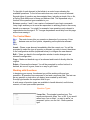
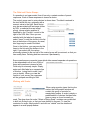
Open Ended - One Line – Results are open
ended. The size of the response is not restricted,
but the text box is a single line only, without
scrollbars. Validations (see below) may be applied
to this type of input to ensure meaningful
responses, and the results are available for answer
piping. When viewing the results, you will see a list
of all responses, without reformatting or grouping
(ie, if two users answered 3.19 you will see 3.19
on two lines). Open ended questions cannot be
used for filtering or jump logic.
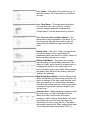
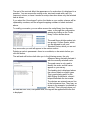
Open Ended - Multiple Lines – Just like the single
line version, except with multiple (labeled) fields.
This question type is useful for simplifying the
layout of your survey and grouping similar items
under a single heading.
Comments Box – Results are open ended. The
length of the response is effectively unlimited (64k)
and no constraints are applied to the input. When
viewing the results, you will be presented with a list
of every response, without reformatting or
grouping.
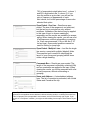
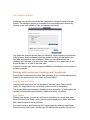
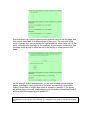
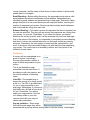
Name and Address – A standardized address
form. The list of countries is preloaded, with United
States and Canada at the top.
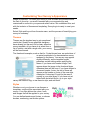
SparkTip – The standard behavior of radio buttons is that once a button in a group has been
selected, the respondent cannot deselect it without selecting another, or clearing the entire form.
This is a property of the respondent’s own browser, and not of the SurveyLogix engine. If you
require a “no response” condition, you might consider adding it as an option at the bottom of your
list.