1
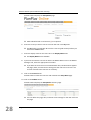
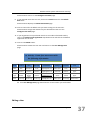
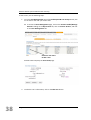
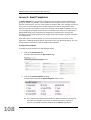
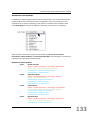
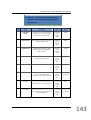
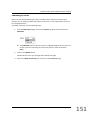
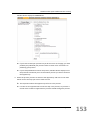
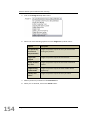
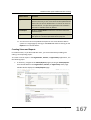
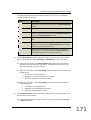
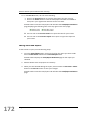
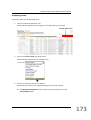
PlanPlus Online System Administrator Training 2. Click on Views/Reports in the Sub Menu. PlanPlus Online displays the Views/Reports page. Custom Reports Predefined Reports The Views/Reports page contains two sections: Custom Reports: You can edit any of these reports by changing the report criteria. Each of these reports is also available as a view within the application. Predefined Reports: These reports cannot be edited or customized in any way. They are standard reports given to every PlanPlus Online user. The following table describes the options available in the Custom Reports area of the Views/Reports page: 166 Page 166 Table Column Function Default Allows you to select the view you want to use as your default view for the current application. To change the default, select one of the radio buttons and click on the Update Default button. Edit Details Allows you to edit the report definition. By clicking on the name of the report, you can edit details such as Name, Description, Search Criteria, and Columns for View. Description Displays the report description. You can create or edit a report description by clicking on the report name in the Edit Details column.