1
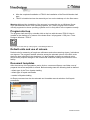
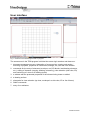
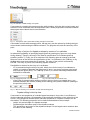
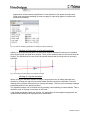
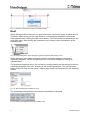
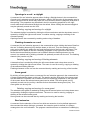
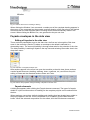
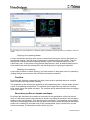
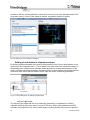
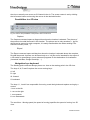
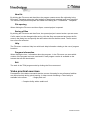
Fig. 34: Dialog box for the selection of a type of joining cladding
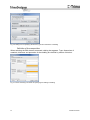
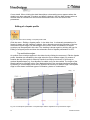
Specification of individual cladding
When selecting composition of individual cladding, cladding is marked in the side view and
the type of cladding is selected from the list in the palette containing properties.
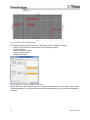
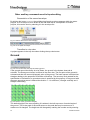
Specification of cladding colour
When changing the colour of individual cladding, an element is marked and the type and
colour of the cladding are specified in the palette containing properties.
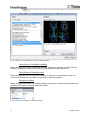
Dimension editing
When changing dimensions of individual cladding, an element is marked and dimensions are
specified in the pallet containing properties (width).
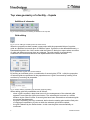
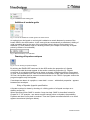
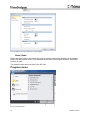
Fig. 35: Changing of properties of individual cladding
17
Version 01/2010