1
UTILITIES
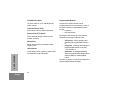
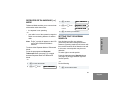
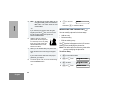
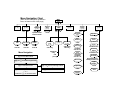
You can customize some of your radio’s
features by:
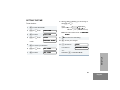
1
) to enter Menu Mode.
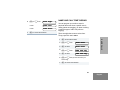
2
+ or ? until
Utilities
3
) to select
Utilities
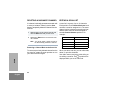
4
+ or ? until you see the feature you
want to change (see table below).
5
) to select the feature. You will see the
feature’s current setting.
6
+ or ? for available settings.
7
) to select the desired setting.
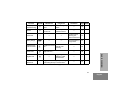
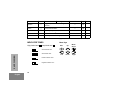
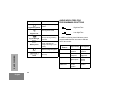
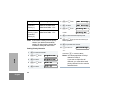
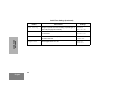
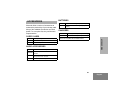
Utilities Features
Feature
What it Does
Settings
Sets radio squelch at either normal or tight (see page 37).
Sqlch Normal
Sqlch Tight
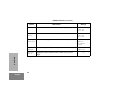
Power
Level
Changes the power level of the radio to high, low, or auto (see
page 38).
Power High
Power Low
Power Auto
UTILITIES
Squelch
51
English