1
Touch Screen Operation
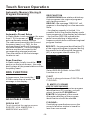
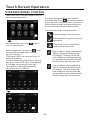
Example for Movie or PHOTO .
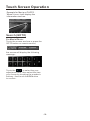
When it is on, it will display the
information such as:
F 001/003
T 001/001
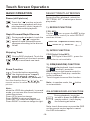
Search (GOTO)
For Movie/Photo:
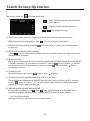
Touch the screen as show or press the
GOTO button on remote control;
F 001/003
T 001/001
the screen will display the following
message :
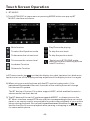
Touch the
to select the your
adjustment item, then select the item
your favour by touching the numberic
buttons , then touch the OK button
to confirm .
-19-