1
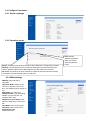
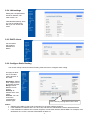
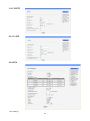
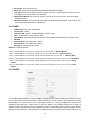
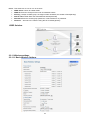
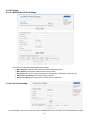
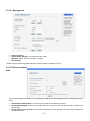
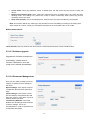
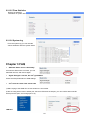
2.2.4 LAN settings Setting the LAN parameters, include IP address, sub mask, DHCP, etc LAN2 Default Gateway: Here you can set a different IP, with it you can access the router. 2.2.5 DHCP clients List the Clients which gain IP address from DHCP . 2.2.6 Configure Static Routing This section mainly introduces what is Routing Table and how to configure static routing. This page is about how to set static routing function of the router. Destination: Please enter Target Host or IP network segment Range: Host or Network can be chosen Gateway: IP address of the next router. Interface: You can choose the corresponding interface type. This is the key routing table of this router. Notice: • Gateway and LAN IP of this router must belong to the same network segment. • If the destination IP address is the one of a host, and then the Subnet Mask must be 255.255.255.255. • If the destination IP address is IP network segment, it must match with the Subnet Mask. For example, if the destination IP is 10.0.0.0, and the Subnet Mask is 255.0.0.0. 7