1
2
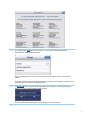
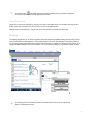
opens a screen where you can access information about the
The settings button
application and view license agreements.
Once the settings screen is open, you must click the Close button to return to the previous
window.
The Legal Agreement and Disclaimer will open a new window, which needs to be closed. Once
closed, the user is returned to the Settings screen.
3
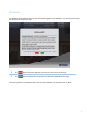
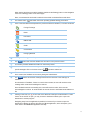
button is used to exit the application. Once selected, you will be prompted to
The
confirm you want to logoff with the following prompt.
Once you have confirmed the logoff, you will be taken to the Log In screen.
4
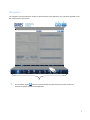
Arrows indicate the navigation is scrollable from left to right.
5