1
Chapter 4
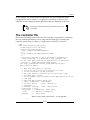
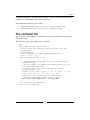
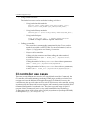
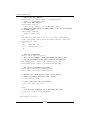
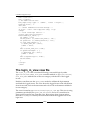
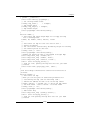
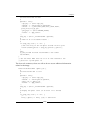
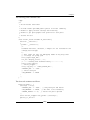
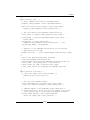
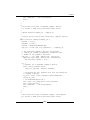
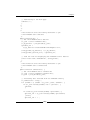
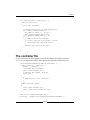
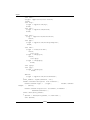
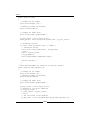
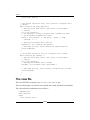
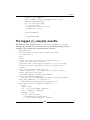
{
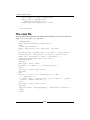
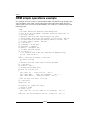
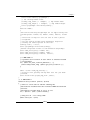
parent::__construct();
$this->load->library('googlemaps');
// Set the map window sizes:
$config['map_width']
= "1000px";
// map window width
$config['map_height'] = "1000px";
// map window height
$this->googlemaps->initialize($config);
}
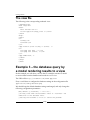
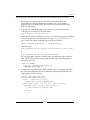
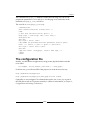
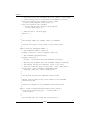
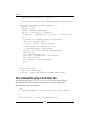
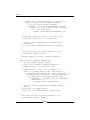
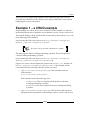
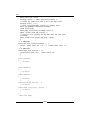
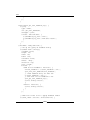
function index() {
/* Initialize and setup Google Maps for our App starting
with 3 marked places
London, UK, Bombai, India, Rehovot, Israel
*/
// Initialize our map for this use case of show 3
// places altogether.
// let the zoom be automatically decided by Google for showing
// the several places on one view.
$config['zoom'] = "auto";
$this->googlemaps->initialize($config);
//Define the places we want to see marked on Google Map!
$this->add_visual_flag ('London, UK');
$this->add_visual_flag ('Bombai, India');
$this->add_visual_flag ('Rehovot, Israel');
$data = $this->load_map_setting ();
// Load our view, passing the map data that has just been
//created.
$this->load->view('google_map_view', $data);
}
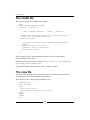
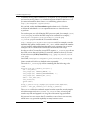
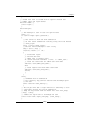
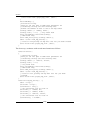
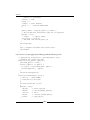
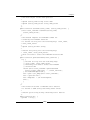
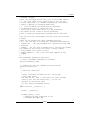
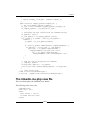
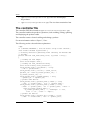
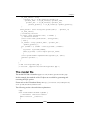
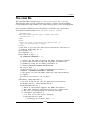
//The class Gmaps continued with several more functions as
//follows:
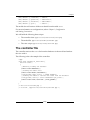
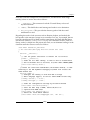
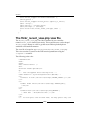
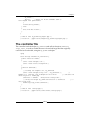
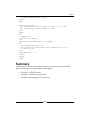
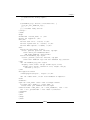
function london() {
// Initialize our map
//Here you can also pass in additional parameters for
// customizing the map (see the following code:)
// Define the address we want to be on the map center
$config['center'] = 'London, UK'; to be on the map center
// Set Zoom Level - Zoom 0: World – 18 Street Level
$config['zoom'] = "16";
$this->googlemaps->initialize($config);
// Add visual flag
$this->add_visual_flag ($config['center']);
$data = $this->load_map_setting ();
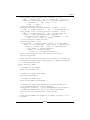
// Load our view passing the map data that has just been
//created
[ 73 ]