1
Air Bank User’s Manual
Configuring Settings
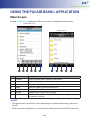
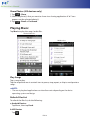
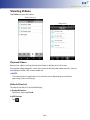
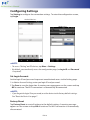
Tap Setting to configure the connection settings. To enter the configuration screen,
tap Login.
Android Devices
iOS Devices
2NOTE:
• To access “Setting” on iOS devices, tap More > Settings.
• By default, you can directly access the configuration page (no Login ID and Password
is required).
Set Login Account
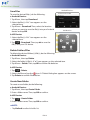
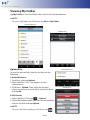
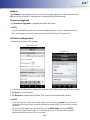
Set the login ID and password to prevent unauthorized access to the Setting page.
1. In Admin Account Settings, enter you login ID and password.
2. Tap Save to save the login data. A warning message appears on the screen and tap
OK to continue. The Wi-Fi connection is automatically disconnected.
2NOTE:
• If you forgot the login ID or password, reset the device to the factory default settings.
See “Reset the Device” on page 7.
Factory Reset
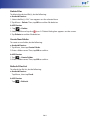
Tap Factory Reset to reset all settings to the default settings. A warning message
appears on the screen and tap OK to continue. The Wi-Fi connection is automatically
disconnected.
EN-18