1
Changing the settings
2.1 Changing the firewall settings
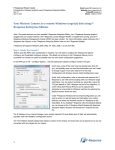
3. Select "SIMATIC iMap" from the "Programs:" box. Click on the "Browse ..." button if
necessary.
4. Confirm your selection with OK.
Result: SIMATIC iMap is added to the list of exceptions. This means that external DCOM
access to SIMATIC iMap is now possible.
2-4
SIMATIC iMap - Settings under Windows XP SP2
User Manual (Compact), Edition 09/2004, A5E00352920-01