1
Report Elements
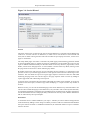
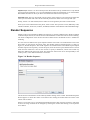
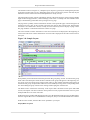
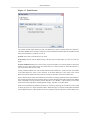
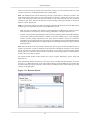
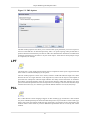
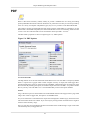
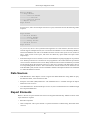
After selecting the Barcode type, click on the Next button. The screen appears as shown in Figure 4.11,
“Barcode Wizard”. You can select the desired field type.
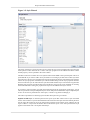
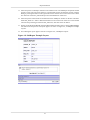
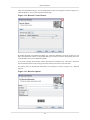
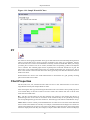
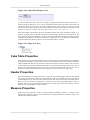
Figure 4.12. Barcode Control Source
By default the field is the default CheckBox type. Select the DataSource from the combo box. The
data source field name and the corresponding data types are listed in a table in the Field tab. Select the
required field from the list of DataSource fields.
If you want to display barcode label select Literal from the CheckBox type. The value is entered in
the text field. Select the Script Field type and enter the Script functions in the text field.
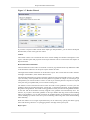
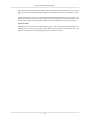
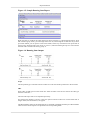
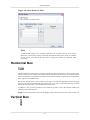
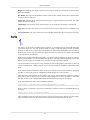
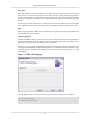
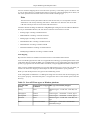
On clicking Next, the Set Barcode Information screen appears as shown in Figure 4.13, “Barcode
Options”.
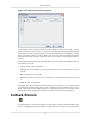
Figure 4.13. Barcode Options
44