1
HDV Workflows in Adobe Premiere Pro
2 – Workflow Overview
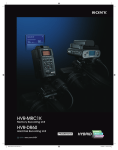
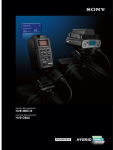
CompactFlash Media & HVR-DR60
1– Import MPEG2 (or DV) files from CompactFlash media, or HVR-DR60 Hard Disk
2– Edit
Table of Contents
3– Export to HDV videotape over i.LINK cable.
2 – Workflow
Overview
Recording Unit into Premiere over i.LINK cable or USB 2.0.
HDV Videotape
1– Capture HDV videotape-based media into Newscutter™ over i.LINK cable.
2– Edit
3– Export to HDV videotape over i.LINK cable.
Note: It is also possible to import DV data from the CompactFlash card, HVR-DR60, or
videotape with same workflow.
6