1
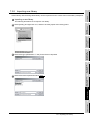
9.3 Checking Monitor Data for Errors
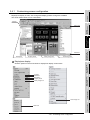
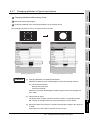
Details of the monitor screen data created on the GT Designer2 can be checked for errors.
For the checking method, see below:
Section 4.13 Data Check
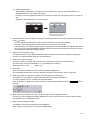
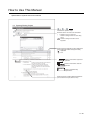
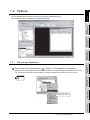
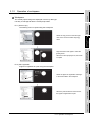
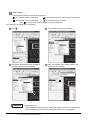
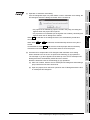
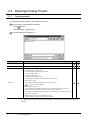
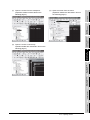
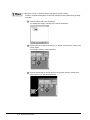
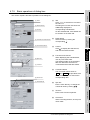
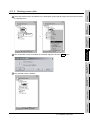
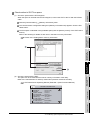
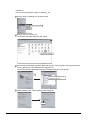
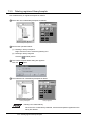
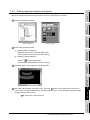
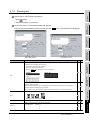
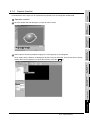
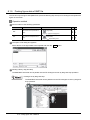
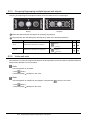
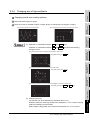
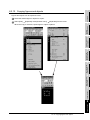
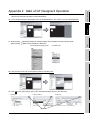
1 Open all screens to be checked.
The unopened screens are not checked.
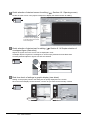
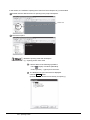
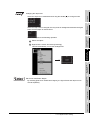
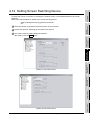
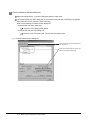
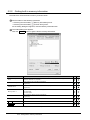
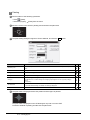
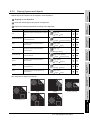
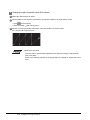
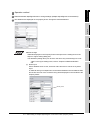
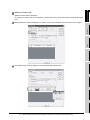
2 Choose the [Tools]
[Data Check...] menu.
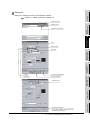
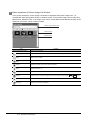
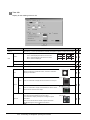
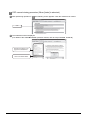
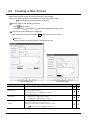
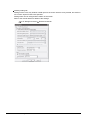
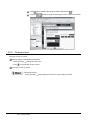
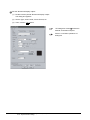
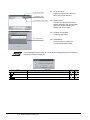
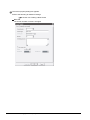
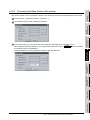
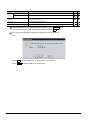
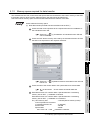
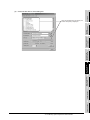
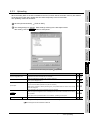
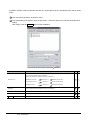
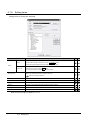
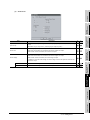
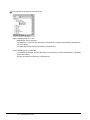
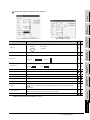
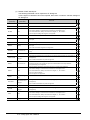
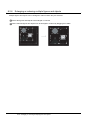
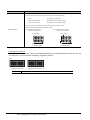
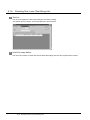
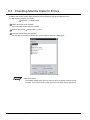
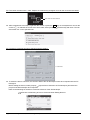
3 The Data Check dialog box appears.
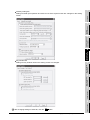
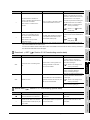
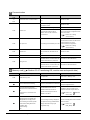
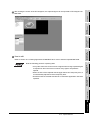
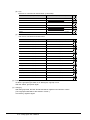
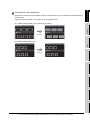
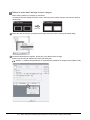
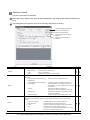
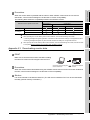
Set the data check items and click the Check button to execute a data check.
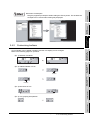
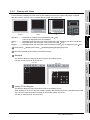
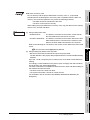
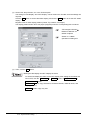
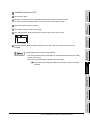
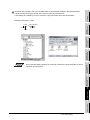
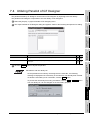
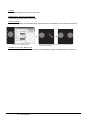
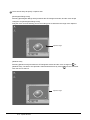
Data check target
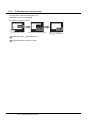
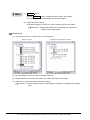
The targets of data check are only open screens. Unopened screens are not
checked. To check all screens, open all screens and then start a data check.
9 - 25
9.3 Checking Monitor Data for Errors