1
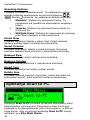
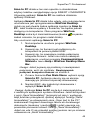
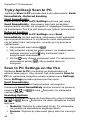
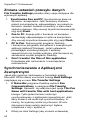
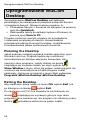
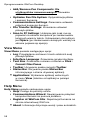
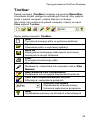
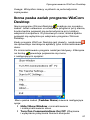
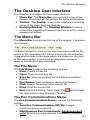
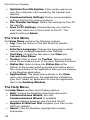
The WizCom Desktop Log: See the log of the last Pen-PC communication activity. Help: Access this document. About: View the copyright and version information for the Desktop application. Exit: Exit the Desktop application. Changing the Desktop Interface Language The Desktop contains support for user interfaces languages other than English. To change the Desktop interface language: 1. Select Interface Language from the View menu on the Menu Bar. The Interface Language dialog box appears. 2. Select the interface language you want from the list and click OK. 3. Restart the Desktop. Note: Your Windows settings (non-unicode programs option) must be configured to support the selected language. If your Windows version doesn’t support the character set of the selected language, you will not be able to view the character set correctly. Language settings can be accessed through the Windows Control Panel Regional and Language Options setting (name of setting menu varies depending on which operating system you are running). 138