1
can be defined in the tablet control panel.
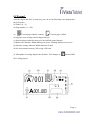
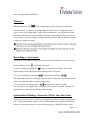
1. Double-click the “USB Tablet” icon on the system tray.
Double-click on the “USB Tablet” icon to bring up the settings window.
2. Set unit and tracking mode.
Unit: You can select “inch” or 1 “cm” as the default unit.
Tracking mode: You can set the pointer tracking mode to “Pen” or ”Mouse”. In
“Pen” mode, absolute coordinates are used. In “Mouse” mode, you can use the digital
ink pen to move the pointer in the same way as using a mouse.
Page | 21