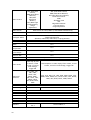
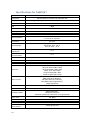
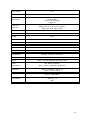
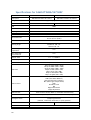
Properties
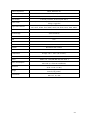
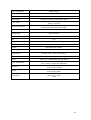
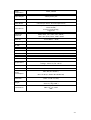
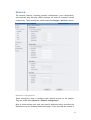
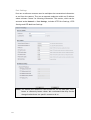
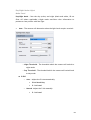
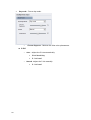
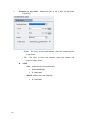
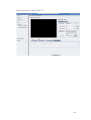
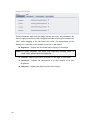
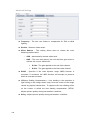
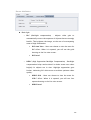
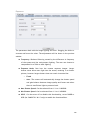
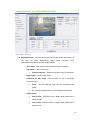
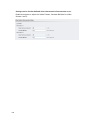
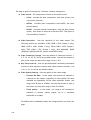
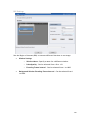
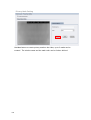
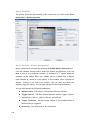
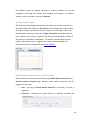
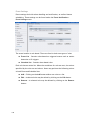
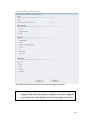
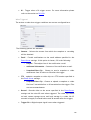
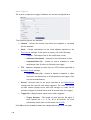
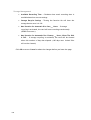
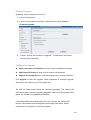
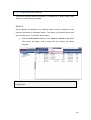
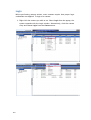
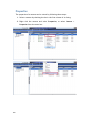
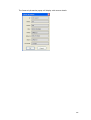
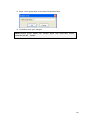
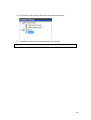
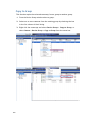
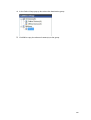
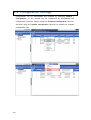
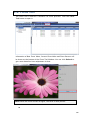
The properties of a camera can be viewed by following these steps:
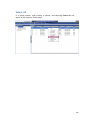
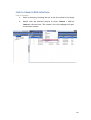
1. Select a camera by checking the box in the first column of its listing.
2. Right click the camera and select Properties, or select Camera >
Properties from the menu bar.
166