1
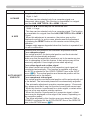
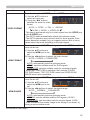
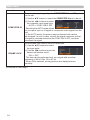
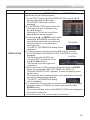
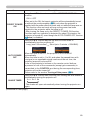
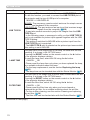
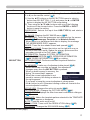
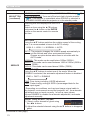
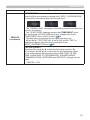
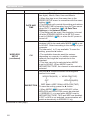
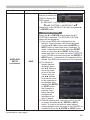
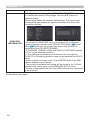
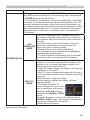
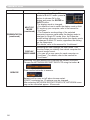
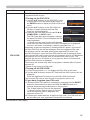
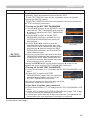
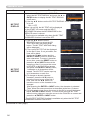
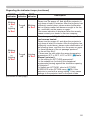
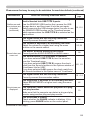
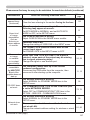
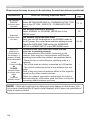
Troubleshooting Regarding the indicator lamps (continued) POWER LAMP TEMP indicator indicator indicator Description The cooling fan is not operating. Blinking In Red or Lighting In Red Turned off Blinking In Red Please turn the power off, and allow the projector to cool down at least 20 minutes. After the projector has sufficiently cooled down, please make confirmation that no foreign matter has become caught in the fan, etc., and then turn the power on again. If the same indication is displayed after the remedy, please contact your dealer or service company. There is a possibility that the interior portion has become heated. Blinking In Red or Lighting In Red Turned off Lighting In Red Please turn the power off, and allow the projector to cool down at least 20 minutes. After the projector has sufficiently cooled down, please make confirmation of the following items, and then turn the power on again. • Is there blockage of the air passage aperture? • Is the air filter dirty? • Please use the unit within the usage temperature parameters (0°C to 35°C, 40°C or 45°C (User's Manual (concise))). • Is the setting for ALTITUDE appropriate? • Is the exhaust air (hot/cold) from peripheral equipments blowing against the ventilation opening of projector? For details on ALTITUDE, refer to ALTITUDE of SERVICE in the OPTION menu (72). If the projector is used with a wrong setting, it may cause damage to the projector itself or the parts inside. (continued on next page) 121