1
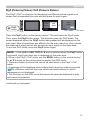
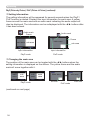
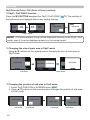
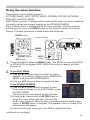
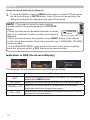
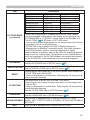
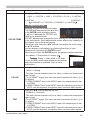
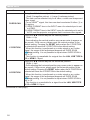
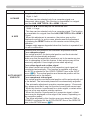
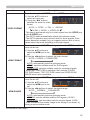
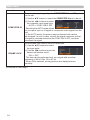
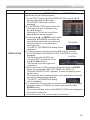
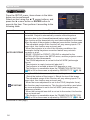
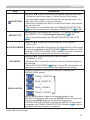
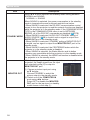
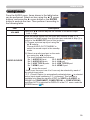
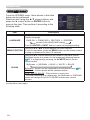
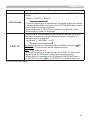
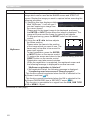
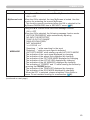
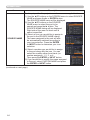
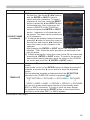
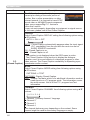
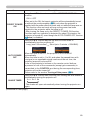
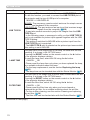
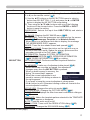
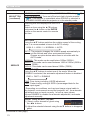
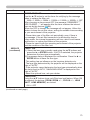
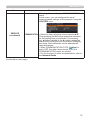
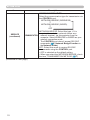
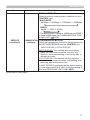
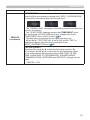
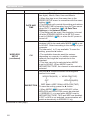
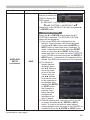
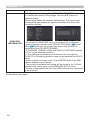
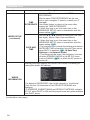
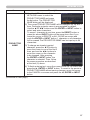
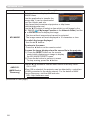
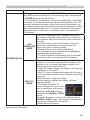
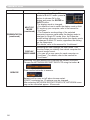
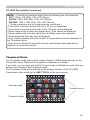
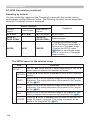
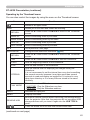
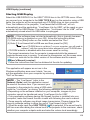
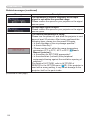
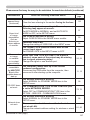
Presentation tools PC-LESS Presentation (continued) Operating by SLIDESHOWin the Thumbnail menu You can play the Slideshow at your desired configuration. Configure the SLIDESHOW item in the Thumbnail menu (101). Item Functions SLIDESHOW RETURN Returns to the Thumbnail mode. PLAY Play the Slideshow. START Set the beginning number of the Slideshow. STOP Set the end number of the Slideshow. INTERVAL Sets the interval time for displaying still images during the Slideshow. It is not recommend to set the interval time very short something like several seconds, because it may take more than several seconds to read and display an image file if it is stored in very deep layer directory or if so many files are stored in the same directory. PLAY MODE Selects the mode of Slideshow. ONE TIME : Play the Slideshow one time. ENDLESS : Play the Slideshow endless. NOTE • The settings of the Slideshow are saved to the “playlist.txt” file that is stored in the storage media. If the file is not existed, it is generated automatically. • The settings for the START, STOP, INTERVAL, and PLAY MODE are saved to the Playlist. • If the storage media is under the write protection or the “playlist.txt” is the read only type file, it is impossible to change the settings of the Slideshow. 106