1
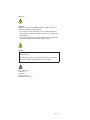
CAUTION:
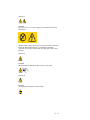
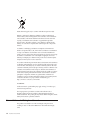
Never remove the cover on a power supply or any part that has the following
label attached.
Hazardous voltage, current, and energy levels are present inside any component
that has this label attached. There are no serviceable parts inside these
components. If you suspect a problem with one of these parts, contact a service
technician.
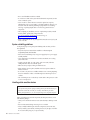
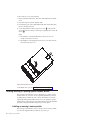
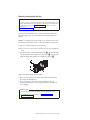
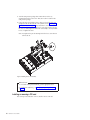
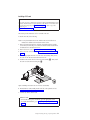
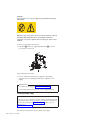
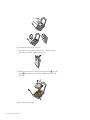
To remove a power supply, do the following:
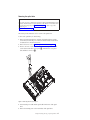
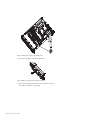
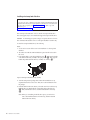
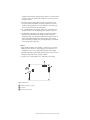
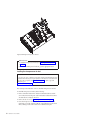
1. Press the tab 1 of the power supply and pull the handle 2 to slide the
power supply out of the server.
Figure 39. Removing the power supply
2. If you are instructed to return the power supply, follow all packaging
instructions and use any packaging materials that are supplied to you for
shipping.
What to do next:
v To install the power supply, see “Installing the power supply.”
v To work with another piece of hardware, go to the appropriate section.
Installing the power supply
Attention
Do not open your server or attempt any repair before reading and understanding the Safety
Information and the Warranty and Support Information on the ThinkServer Documentation DVD
that comes with your product, and “Guidelines” on page 19. To obtain a copy of the
publications, go to:
http://www.lenovo.com/support
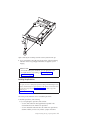
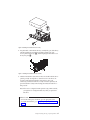
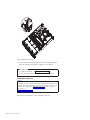
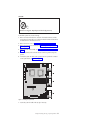
This section provides instructions on how to install a power supply.
54
Installation and User Guide