1
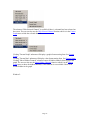
Toolbar
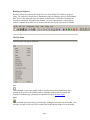
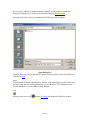
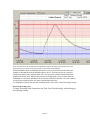
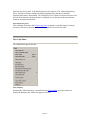
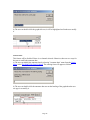
The Toolbar option is used to show or hide the toolbar located at the top of the screen. Hiding
the toolbar allows more room for the graph being displayed.
Status Bar
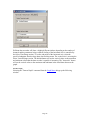
The Status Bar option is used to show or hide the status bar located at the bottom of the
screen. Hiding the status bar allows more room for the graph being displayed.
Preferences
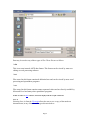
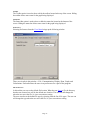
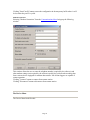
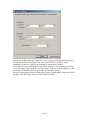
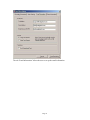
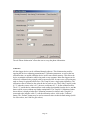
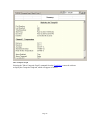
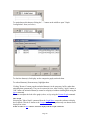
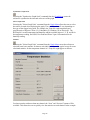
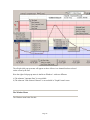
Selecting Preferences from the View Menu brings up the following window:
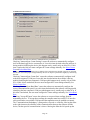
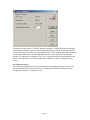
There are six tabs in this window -- File, Communication, Display, Data, Graph, and
Calculations. Each tab allows the user to set preferences for a part of the program.
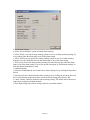
File Preferences
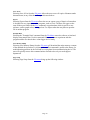
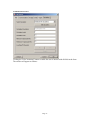
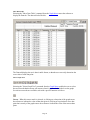
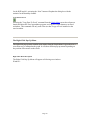
In this tab the user can set the default file location. When the user Saves a file, the directory
that the user chooses here will be the default save location. The user can still change this
when the user saves the file, it's just a convenience setting.
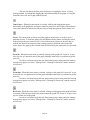
The user can also set the default file type by selecting from the list of file types. The user can
still change the type when the user saves the file, it's just a convenience setting.
Page 13