1
Chapter 9. SETTING: Events
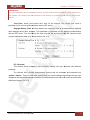
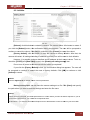
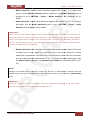
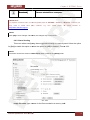
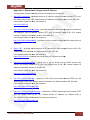
• Sequence number: adds a six-digit number. User can click the [Clear] button to reset
the sequence number anytime. When user clicks the [Clear] button it resets the
sequence number and starts it from 000001.
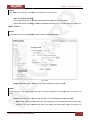
Interval: allows you to set a frequency of e-mail sending. The minimum value is 30
minutes; the maximum value is 24 hours.
IMPORTANT:
Duration of sent video files is 5 seconds.
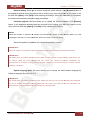
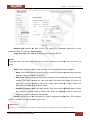
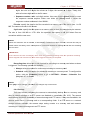
Effective period: allows you to set a period for sending e-mails when an alarm is triggered.
The following options are available:
• Always: select this option for continuous e-mail sending.
• Schedule: select this option for scheduled e-mail sending. To configure this option, click
the [Schedule] button or go to SETTING – Events – Schedule. See paragraph 9.7 for
details.
IMPORTANT:
If camera is recording to FTP and sending an e-mail at one time, it may skip sending e-mail as the priority
of recording to FTP is higher.
NOTE:
Click [ОК] to save changes. Otherwise, the changes may not be saved.
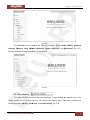
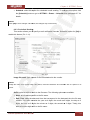
9.3. Network storage
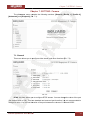
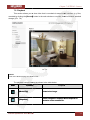
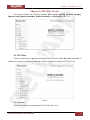
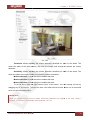
This menu allows you to configure recording to network attached storage (NAS) or to
network shared folder. When this function is enabled, the camera can record files continuously,
with a certain time interval or when an event occurs. This menu contains the following sections:
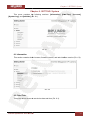
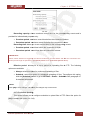
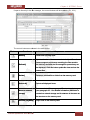
[General], [Alarm sending], [Periodical sending] (Pic. 9.12).
N13103 Operations User Manual
62