1
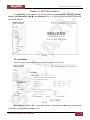
Chapter 9. SETTING: Events
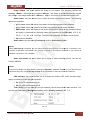
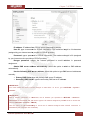
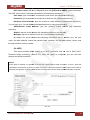
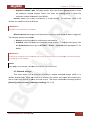
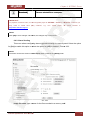
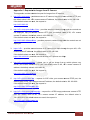
• Schedule: select this option for scheduled e-mail sending. To configure this option, click
the [Schedule] button or go to SETTING – Events – Schedule. See paragraph 9.7 for
details.
NOTE:
Click [ОК] to save changes. Otherwise, the changes may not be saved.
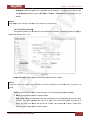
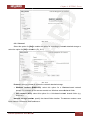
9.2.3. Periodical Sending
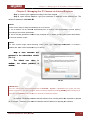
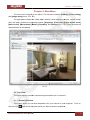
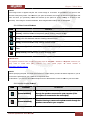
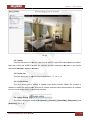
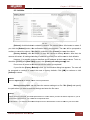
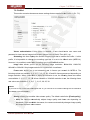
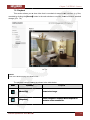
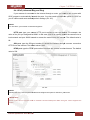
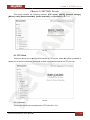
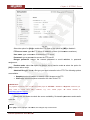
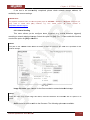
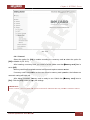
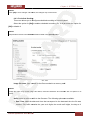
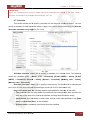
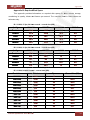
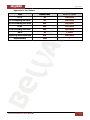
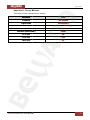
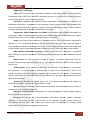
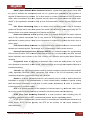
This section allows you to specify e-mail notification intervals. Select the option for [On] to
enable this feature (Pic. 9.11).
Pic. 9.11
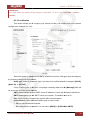
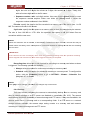
Image file name: type a name for the files attached to the e-mails.
NOTE:
Image file name may contain only Latin letters, reserved characters and numbers with no spaces in its
name.
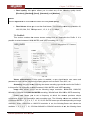
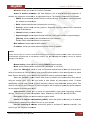
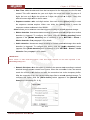
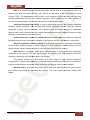
Suffix: select a suffix to add it to the file name. The following options are available:
• None: do not add any suffix to the file name.
• Date Time: adds the date and time that correspond to the date and time the file was
created. This suffix contains the year as 4 digits, the month as 2 digits, the day as 2
digits, the hour as 2 digits, the minute as 2 digits, the second as 2 digits. Totally, this
adds a fourteen-digit suffix to the file name.
N13103 Operations User Manual
61