1
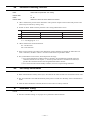
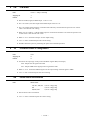
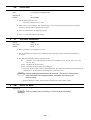
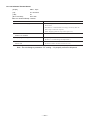
MA
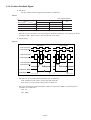
: Move Acceleration
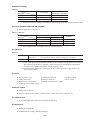
Format
: MA data
Data
: Motor series
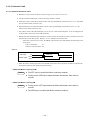
YS, JS1, JS2, RS : 0.01 ~ 40 [r.p.s/s] or /AJ (Adjust mode)
SS
: 0.01 ~ 50 [r.p.s/s] or /AJ (Adjust mode)
AS, BS, JS0
: 0.01 ~ 60 [r.p.s/s] or /AJ (Adjust mode)
Shipping set
: 1.00 [r.p.s./s]
Default
: Not omissible
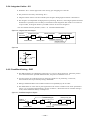
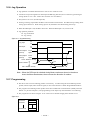
¡ Sets the rotational acceleration of the RS-232C communication positioning.
¡ “TS” or “?MA” command reports the current setting.
¡ MA/AJ command gets into adjusting mode.
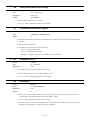
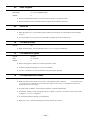
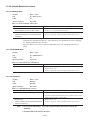
MI
: Read Motor ID
Format
: MI
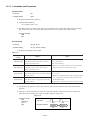
¡ MI indicates the system ROM ID No. and the torque ROM ID No.
★
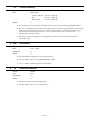
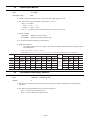
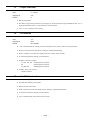
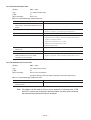
MM
: Multi–line Mode
Format
: MM data
Data
: 0, 1
Shipping set
:1
Default
:0
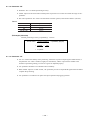
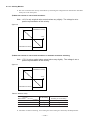
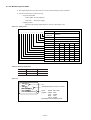
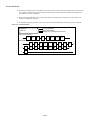
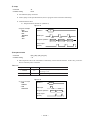
¡ Sets the display format of commands or parameters settings with “TA” , “TC” and “TS” commands.
¡ “MM0” reports all contents continuously.
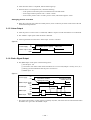
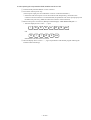
¡ When “MM1” is input, the display reports the setting pausing at each item. At this time, the colon “ : ”
appears the end of command or parameter.
[Example : MA0.01 :]
™ To step to the next report, press the space key.
™ To quit from the report, press the backspace key. The colon “ : ” appears in the display and the
system waits for next command.
¡ “TS” or “?MM” reports the current setting.
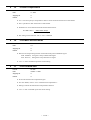
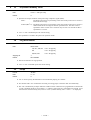
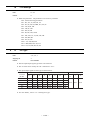
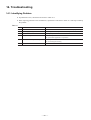
MO
: Motor Off
Format
: MO
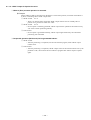
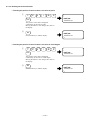
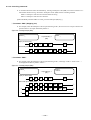
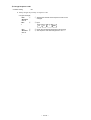
¡ When the SVON input (CN2) is ON and the Motor is in the servo-on state, inputting the MO command
turns the Motor servo off.
¡ To active the Motor servo, input the SV command or the MS command.
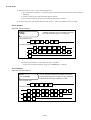
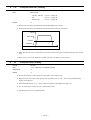
¡ When the MS command is input, the Motor stops in the servo-on state. This also clears the previously
input operation command.
– 11-21 –